How to Enable Apple’s Watch Double Tap on Galaxy Watch
In this guide, we will show you the steps to enable Apple’s Watch Double Tap feature on your Galaxy Watch. In the recently concluded Apple’s Wonderlust event, one of the most interesting features that left users in awe was the Double Tap feature in the latest Apple Watch Series 9 and Ultra 2. For the unaware, this gesture allows you to easily control your watch using just one hand and without touching the display.
You just need to tap the index finger and thumb of the hand on which you are wearing your watch and then you could easily carry out a plethora of tweaks onto your watch. However, a few tech enthusiasts found out that this feature has been present in Apple Watch since the 4th series [just isn’t as efficient as it’s currently].
So this begs the all-important question- why should the Android counterpart be left behind? Well, it turns out you don’t as you could enable Apple’s Watch Double Tap feature on your Galaxy Watch as well. And in this guide, we will show you how to do just that.
How to Enable Apple’s Watch Double Tap on Galaxy Watch
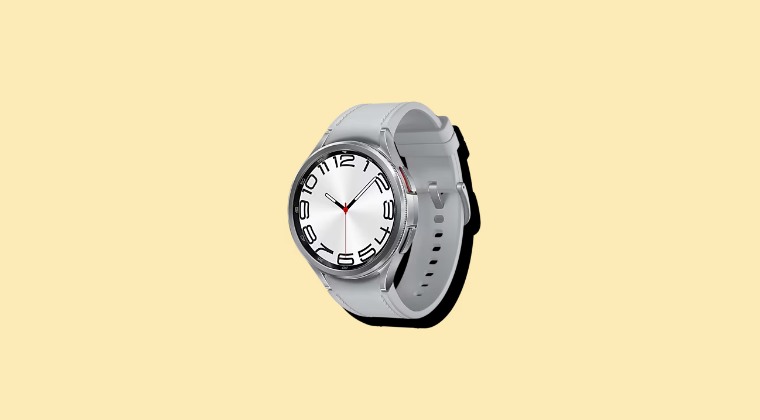
First off, let’s make you aware of a list of the gestures and their associated actions. Moreover, this tweak should work on Galaxy Watch4, 5, and 6.
| Gesture | Action |
|---|---|
| Shake your wrist twice | Turn on Universal Gestures |
| Pinch your thumb and index finger | Next item |
| Double pinch | Previous item |
| Make a fist | Tap |
| Make a fist twice | Open the action menu |
- First off, head over to Settings > Accessibility.
- Then go to Interaction and Dexterity section.
- Now tap on Universal gestures and enable it.
- You’ll get a prompt, checkmark it to confirm.
As soon as the feature is enabled, your watch. will have a yellow circular outline over every interactable button, which might prove to be quite distracting in some cases. Moreover, in our testing, we also noticed that if you don’t make the right gesture at the right time, then the display will be turned off and you’ll have to tap on the screen to wake it up.
- Fix Watch ADB Debugging: No connection could be made (10061)
- Cannot Connect Galaxy Watch 6 with Vivo x90 Pro + [Fix]
- Cannot Connect Watch to Galaxy Watch Studio [Fix]
- Download and Install WearOS 4 Apps on any Smartwatch

(Cancel Reply)
Δ
