How to Enable Sunrise Dynamic Wallpaper in macOS Sequoia
In this guide, we will show you the steps to enable the Sunrise dynamic wallpaper in macOS Sequoia. The newest addition to the macOS family brings in a plentitude of new goodies and some under-the-hood tweaks to the fore. Some of the prominent ones include the likes of iPhone mirroring, updates to Safari, Window tiling, a new Passwords app, and Apple Intelligence among others.

Likewise, the Cupertino giant has also carried forward the tradition of adding a bunch of new wallpapers alongside the latest OS release. These are broadly categorized into two domains- dynamic and static. If we talk about the former one, then it dynamically changes color based on the time of the day whereas the latter one remains constant throughout the day.
This time around, we get a couple of dynamic wallpapers in the form of Sunrise and Macintosh [1984!]. However, many users have voiced their concern that the Sunrise dynamic wallpaper is nowhere to be found in macOS Sequoia. They have double-checked the System Settings > Wallpapers section but the said wallpapers aren’t there [even the Macintosh one isn’t present there]. If you are also in a similar dilemma, then this guide will help you out. Follow along for the fix.
How to Enable Sunrise Dynamic Wallpaper in macOS Sequoia
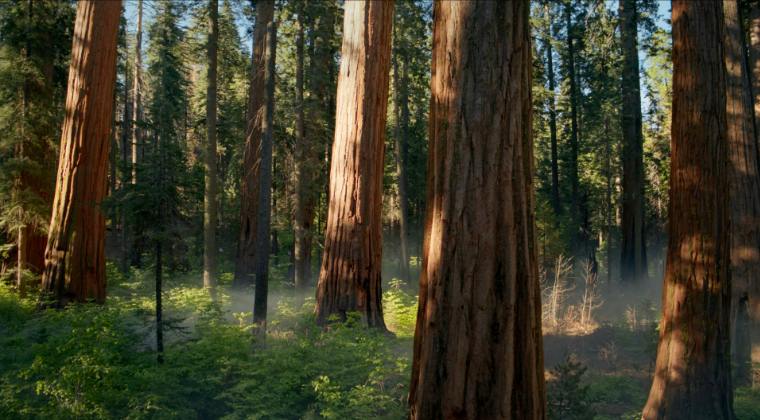
First off, let’s address the elephant in the room- the wallpaper is still present in the OS, it’s just hidden from you. So refer to the below steps to enable it on your Mac right away.
- Bring up the Go To input field via Shift+Command+G.
- Then type in the below location there and hit Enter: /System/Library/Desktop Pictures/.wallpapers/Sequoia Sunrise
- Now press Command+Shift+. (period) keys to enable hidden files.
- You should now see the Sunrise Wallpaper along with a couple of other files.
The three files are Sequoia Sunrise Thumbnail.png, Sequoia Sunrise.heic, and Sequoia Sunrise.mov. Here’s what these files are:
“Sequoia Sunrise Thumbnail.png” is a thumbnail that is displayed in the Wallpapers section.
“Sequoia Sunrise.heic” is a collection of dynamic wallpaper images.
“Sequoia Sunrise.mov” is a QuickTime video file that will play on your Lock Screen.
Wallpaper Flickering in macOS Sequoia: How to Fix
The Calculator App on macOS Sequoia is a Mess!
macOS Sequoia Issues with MS Word and Excel File [Fixed]
iPhone Mirroring Not Working on macOS 18 Sequoia: How to Fix

(Cancel Reply)
Δ
