How to Exit Assistive Access in iOS 17
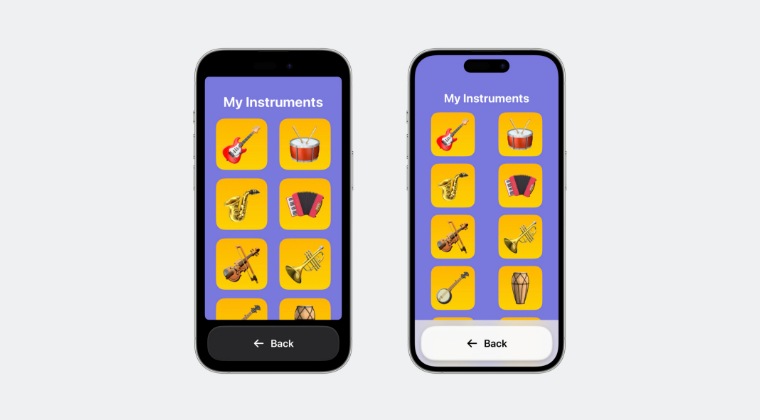
In this guide, we will show you the steps to exit the Assistive Access screen on your iPhone running the latest iOS 17. The seventeenth iteration of the OS build is still in its early release phase and hence there are still quite a few unexplained and hidden functionalities that will soon make their presence felt. One among them is Assistive Access which would help people with cognitive disabilities to use iPhones and iPads more easily.
However, according to the tech behemoth, this feature will be rolled out on the 9th of June. But since it is still hidden in the OS build, many users decided to give it a try and are now unable to exit it. According to the affected users, they are now stuck in a “ weird passcode menu ” having a grey background with a big input bar asking for a passcode alongside a standard keyboard.
Users have tried entering all the passcodes but none of them are accepted and even restarting the device doesn’t take them out of this screen. If you are also stuck in a similar situation and are unable to exit Assistive Access screen on your iPhone running the latest iOS 17, then this guide will help you out. Follow along.
How to Exit Assistive Access on iPhone running iOS 17
- All the Hidden New Features in iOS 17
- How to Download & Install iOS 17 on your iPhone right away
- Download and Install iPadOS 17 on your iPad Right Away
- How to Download & Install watchOS 10 onto your Apple Watch

(Cancel Reply)
Δ
