How to Fake WiFi as Mobile Data on Android
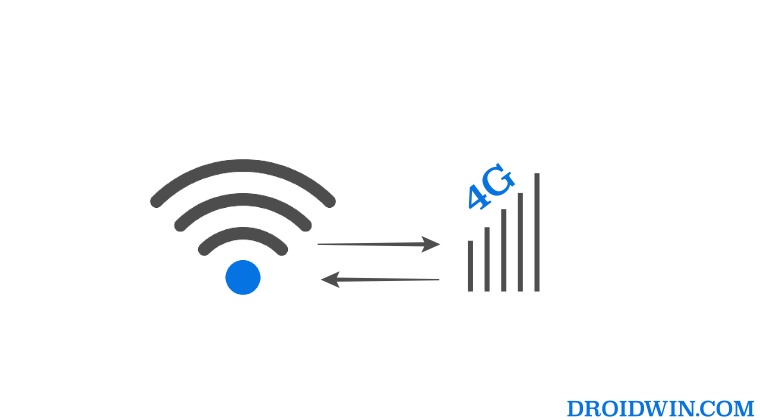
In this guide, we will show you the steps to fake your WiFi as Mobile Data on your Android device. To carry out custom development tweaks such as rooting via Magisk, testing out newly released ROM and kernels, and welcoming abode a plethora of mods from Xposed, I keep a few secondary devices at hand [from different OEMs]. These devices only have the SIM inserted during the initial setup to verify that the flashed ROM’s modem and radio are working well and good.
Once the testing phase is done, I put back the SIM on my primary device and it stays that way. However, recently I came across a mod that specifically required carrier data for the internet, having a WiFi won’t just do. Moreover, I was interacting with this mod more often than I had initially anticipated, so it became a real hassle in switching SIMs between my primary and testing devices just for using this mod.
To overcome this issue, I dug up the corners of the World Wide web and stumbled upon a nifty method through which you could fake your WiFi as Mobile Data on your Android device. And in this guide, we will make you aware of the same. Follow along.
How to Fake WiFi as Mobile Data on Android
- To begin with, root your device via Magisk.
- Then download and install the LSPosed app.
- Now download and install Fake Data Connectivity App .
- Then launch LSPosed and go to its Modules section.
- Now enable the toggle next to Fake Data Connectivity.
- Finally, check the app next to which this tweak needs to be implemented.
- Fix Android does not automatically connect to 6GHz WiFi 6E Router
- IPv6 WiFi not working on OnePlus: How to Fix
- How to Force Android Device to connect to only 5GHz WiFi
- Google Nest WiFi points shows offline in Google Home [Fixed]

- King koded 3 years ago Reply What of the other way round. Module to spoof wifi connection. Fake wifi.. Make apps believe a cellular data as wifi. Thanks
(Cancel Reply)
Δ
