How to ‘Fix’ Apple Music Queue feature on iPhone
In this guide, we will show you a nifty workaround to fix the Apple Music queue feature on your iPhone. This music, audio, and video streaming from the Cupertino giant beholds a slew of intriguing features. However, on the flip side though, it does have a few caveats as well. In this regard, one of its most weird functionality is the way it handles its Queue. For the unaware, if you add songs to your queue in the form of 1,2,3,4,5 then Apple Music would play them as 5,4,3,2,1.
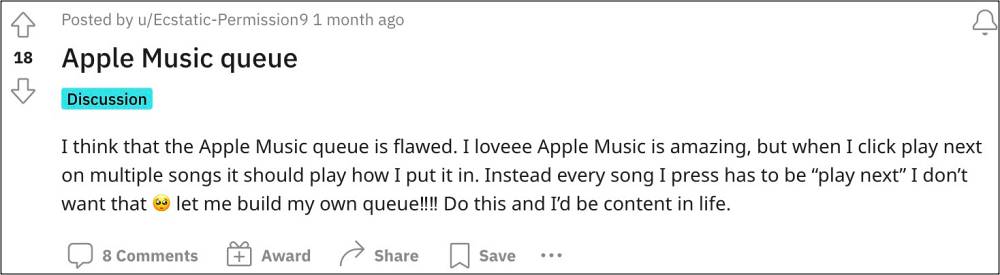
So rather than playing the first song in the queue, it ends up playing the last added song to the queue. How does this make even an iota of a sense is beyond anyone’s understanding. And to make the matter even more intriguing, the queue does work correctly [i.e. plays the first song first i.e. 1,2,3,4,5] in the iTunes App. So the issue is only prevalent in its iPhone app and has been left unaddressed for over a decade.
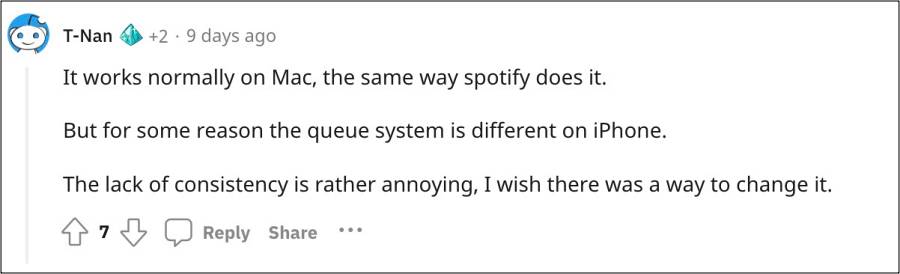
It could have simply taken a page out of Spotify’s book and gotten this job done but the latter has perfectly nailed this functionality. While that is not going to happen anytime soon, we did come across a couple of nifty workarounds that might help you fix the Apple Music queue feature on your iPhone. So without further ado, let’s check them out.
How to Fix Apple Music Queue feature on iPhone
In order to get this job done, you just need to import this shortcut via the official Shortcut app .
If this doesn’t checkmark your requirement, then you could also try out the below workaround suggested by a Redditor. While in no way it is the most feasible, user-friendly, or straightforward approach, but it at least gets the job done.
The trick to queuing songs in a “1,2,3,…” order is: The first song you play can’t be started from within a playlist or an album. So either start the song from Search (and playing a Song) or from a Single (if it exists as single.) if the song is the last track on a playlist or album, it will also work.) This clears out any existing list. Now you can use Play Last on your other choices.
- Apple Music ‘This song is currently not available’ [Fix]
- Dark Mode is enabled automatically on Apple Music [Fix]
- Apple Music Skipping Songs in Playlists and Albums: How to Fix
- Apple Music: The requested URL was not found on this server [Fix]

(Cancel Reply)
Δ
