How to Fix CarPlay not working with iPhone 13 series on iOS 15
In this guide, we will show you the steps to fix the Carplay not working issue on iPhone 13 series running iOS 15. For the iPhone device owners, CarPlay has become an integral part of their driving experience. It allows you to easily get directions to the desired locations via Google Maps or Waze, make calls, send and receive messages and play your favorite tracks along the way. Likewise, it has also integrated some third-party app supports including the likes of WhatsApp, Audible, Overcast, among others.
However, when it comes to playing music, the CarePlay seems to be giving a tough time, at least to the iPhone 13 series. The latest flagships from the Cupertino giants have taken quite a few steps forward in the right direction. The 120Hz refresh rate, improved battery life, and impressive camera quality did manage to grab the attention of the masses.
However, one thing that seems certain is the fact that only the iPhone 13 series devices are getting bugged with this issue. So it cancels out the chance of it being an iOS 15 issue (as all the other devices running the latest iOS build aren’t facing it ). But all this then begs for the all-important question- how to fix the CarPlay not working issue on the iPhone 13 series running iOS 15. Well, this is where this guide shall come in handy. Follow along for the steps to rectify this issue once and for all.
- How to Fix CarPlay not working on iPhone 13 series running iOS 15 Disable Late Night Equalizer Check the CarPlay Stereo Connection Restart Device Re-Enable Siri Remove CarPlay from Restrictions Re-Setup CarPlay
- Conclusion
How to Fix CarPlay not working on iPhone 13 series running iOS 15
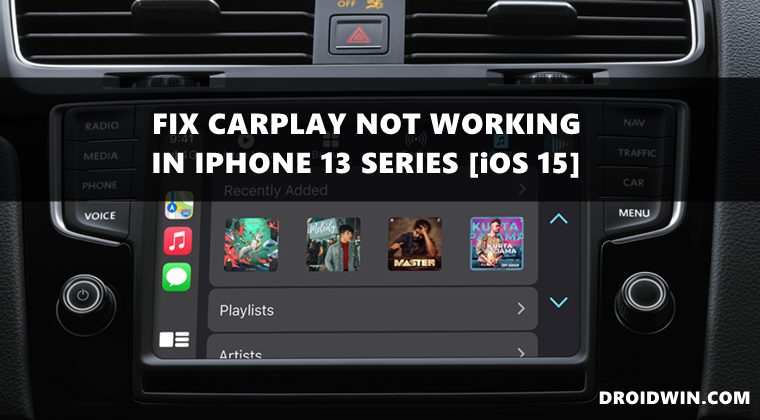
Users have already tried unpairing and re-pairing their device, making a switch from wireless to a wired connection (or vice versa), resetting the stereo/display, or restarting the devices, but none of them seems to have spelled out success . So upon further investigating this issue and going through the issue reports of various users, the problem seems to stem out from the Late Night Equalizer.
Disable Late Night Equalizer
Therefore, you should consider either switching to a different EQ or disabling this EQ feature altogether. To try it out, head over to Settings > Music > EQ and switch over to a different EQ (or turn it off). As far as the success rate of this workaround goes, well it does seem to have fixed the issue for numerous users. Moreover, Apple has also acknowledged this issue and while they are yet to release a fix, they have also recommended this workaround itself. So you should definitely give it a try.
Hey there. Thanks for reaching out. We’re here to help. We are aware of this issue and working on it. One thing you can try is going to Settings > Music > Toggle EQ on/off. If this doesn’t work just know we’re working on a fix, and please keep your phone updated. — Apple Support (@AppleSupport) September 30, 2021
