How to Fix Cities Skylines Crashing
In this guide, we will show you a potential workaround that might help you fix the Cities Skylines crashing issue. This single-player open-ended city-building simulation beholds a slew of intriguing features, including the likes of controlling zoning, road placement, taxation, public transport, and many more. However, it’s going through a rough patch for the past couple of days.
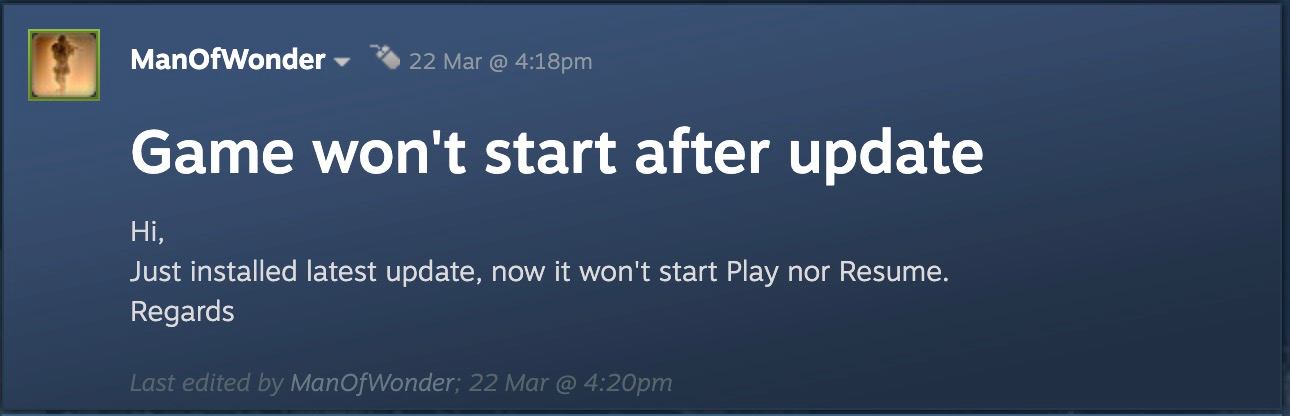
Initially, many users had reported issues with the parking lot. And now, a plethora of issues have lined up wherein users have voiced their concern that the Cities Skylines is constantly crashing on their PC. As far as the plausible reason for the same is concerned, it could be attributed to numerous third-party mods [ over 200 to be precise ] which are not working along the expected lines and hence are conflicting with the normal gameplay experience.
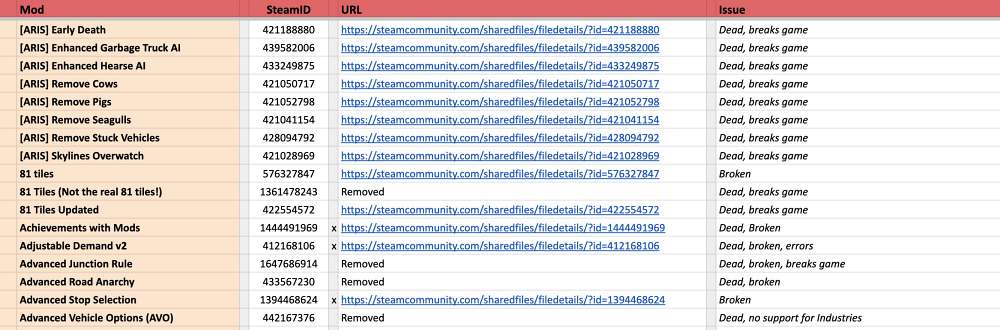
With that said, we did manage to find a nifty workaround that could help you rectify this bug. So without further ado, let’s check it out.
How to Fix Cities Skylines Crashing

As of now the only workaround that is spelling out success for the users involves disabling the mods/starting the game without mods by tweaking the game’s launch option, as explained below:
- To begin with, launch Steam and go to your Library.
- Then right-click on Cities Skylines, and select Properties.
- Now type in -disableMods at the end and save the changes.
- Then launch the game and the underlying issue would be rectified.
- Game crashing on 12th Gen Intel Core Processor on Windows 10/11: Fix
- How to Fix State of Decay 2 Game Crashing after Update
- Exception Access Violation Crash in Games on Windows 11 [Fix]
- Microsoft GameInput Application Reconfiguration Crash Fix

(Cancel Reply)
Δ
