How to Fix Hugging Face Login Error 418
In this guide, we will be sharing a bunch of workarounds that should help you fix the Hugging Face Login Error 418. Recently, I tried the new Google AI Edge Gallery that allows you to run multiple AI models locally on your device- compeltey offline without the need for any internet connection whatsoever. To get this job done, your first step is to sign into Hugging Face [a company which excels in Machine Learning].
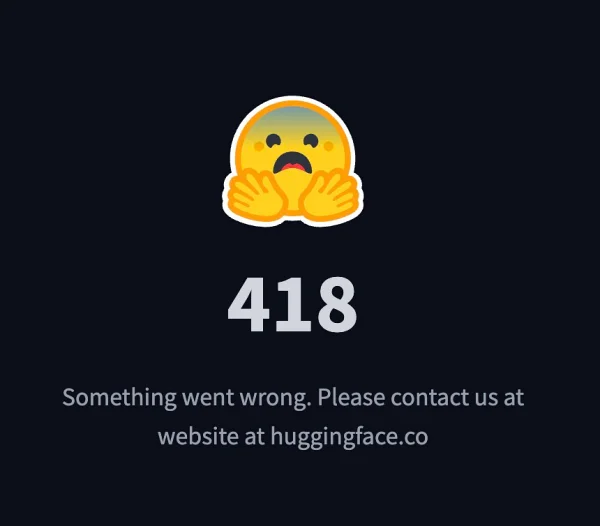
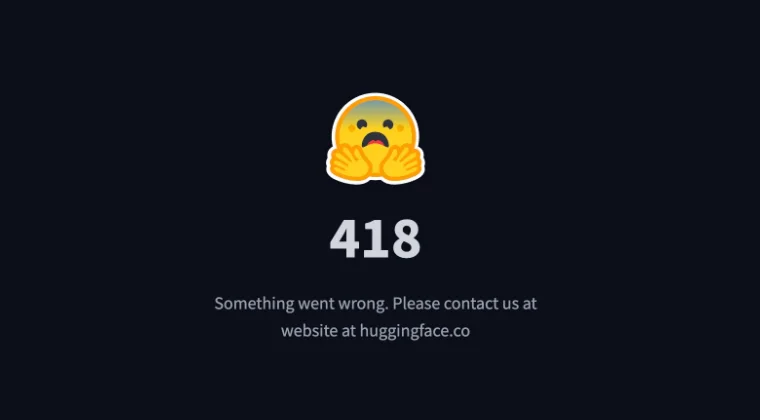
However, what should have been an easy task turned out to be anything but that . I tried creating my accounts around 4-5 times in Hugging Face but everytime was greeted with the error code 418 and a generic message stating “Something went wrong. Please contact us at website at huggingface.co”. If you are also in the same boat, then this guide will help you out. Follow along for the fixes.
- How to Fix Hugging Face Login Error 418 FIX 1: Use a VPN FIX 2: Use Carrier Data FIX 3: Unblock your IP
How to Fix Hugging Face Login Error 418
It is recommended that you try out each of the below-mentioned workarounds and then see which one spells out success. So with that in mind, let’s get started.
FIX 1: Use a VPN
This is the fix that worked for me. I used the Turbo VPN app and set the region to US [you are free to use any VPN app of your choice, it’s just that it’s recommended to set the region to US]. So carry out this tweak and see if it works out for you or not.
FIX 2: Use Carrier Data
Some users were also able to rectify this issue by signing up/logging into their Hugging Face account via Carrier Data instead of WiFi. So do the same and then check out the result.
FIX 3: Unblock your IP
One major reason why you are facing this issue is due to your IP Address being blocked [that is why the VPN tweak worked for us]. Therefore, you can get in touch with Hugging Face support and ask them to unblock your IP. While they will definitely do so, but it might take some time.
- Google AI Edge Gallery: Use AI Offline on your Device!
- How to Enable Gemini Live on any Android Device
- Guide to make Gemini work on Lock Screen
- How to Enable and Use Gemini in Unsupported Country

(Cancel Reply)
Δ
