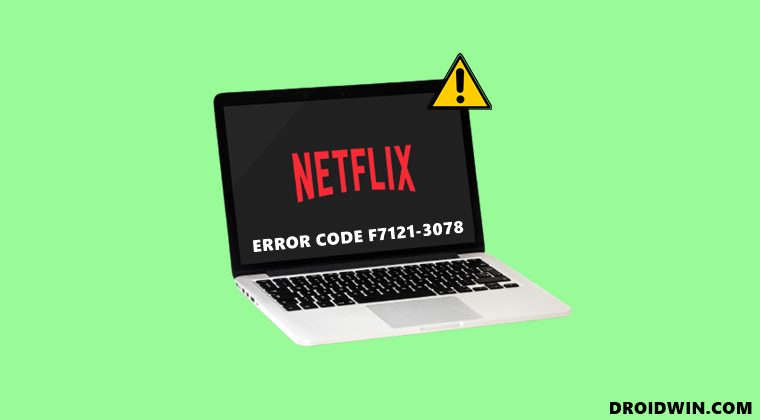
How to Fix Netflix Error Code F7121-3078 on Firefox
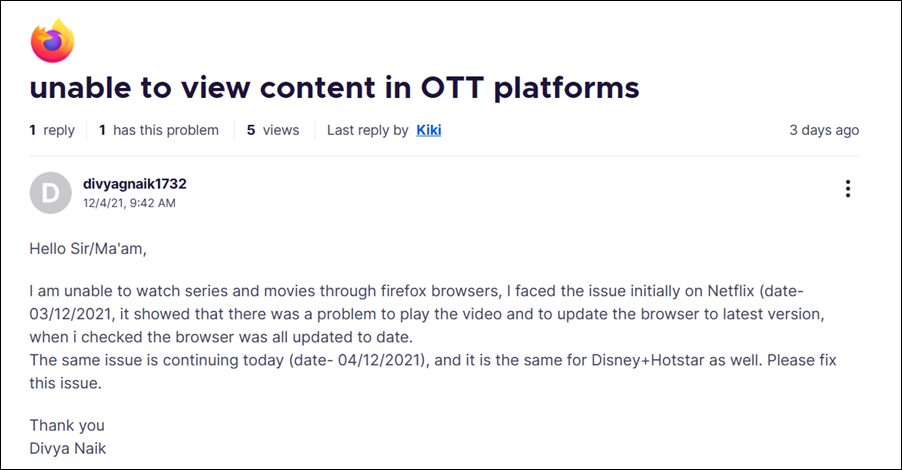
In this guide, we will show you various methods to fix the Netflix Error F7121-3078 on Firefox. When it comes to privacy-centric browsers, then there are no brownie points in guessing that the offering from Mozilla is right there at the top. Its enhanced tracking protection in the form of three security levels gives users complete authority as to the grade of privacy that they are willing to opt for. While it’s working well and good in that domain, it seems to be having a tough time when streaming content.
- How to Fix Netflix Error Code F7121-3078 on Firefox FIX 1: Manually Update Widevine DRM FIX 2: Disable and Re-Enable DRM
How to Fix Netflix Error Code F7121-3078 on Firefox
Firefox uses the Widevine plugin in order to stream the DRM-protected contents. And the browser usually updates this plugin on its own at regular intervals. However, it seems that has happened for a considerable time period. Therefore, you should consider manually updating the DRM certificate plugin, using any of the two methods listed below.
FIX 1: Manually Update Widevine DRM
- Launch Firefox and copy-paste the below location in the address bar: about:addons
- Then select Plugin from the left menu bar.
- After that, expand the section titled “WideVine Content Decryption module provided by Google”.
- Then click on the Settings icon situated at the top right and select Check for Update.
- Firefox will check for the latest DRM update and would subsequently download and install them.
- Once that happens, restart Firefox and then check if the Netflix Error F7121-3078 has been fixed or not.
FIX 2: Disable and Re-Enable DRM
- Launch Firefox and copy-paste the below location in the address bar:
- Then type in the below keyword in the search box about:preferences
- It should bring up the Digital Rights Management (DRM) Contents.
- Uncheck Play DRM-controlled content option and wait for around 30 seconds.
- Firefox will uninstall the DRM module. Then re-check it and the browser shall reinstall it back.
- Once done. restart the browser and the underlying issue should have been rectified.
So with this, we round off the guide on how you could fix the Netflix Error F7121-3078 on Firefox. Likewise, it should rectify the issue that other streaming services might be having in this browser environment.
- Disable Proton UI and Decrease Tab Spacing in Firefox
- Drag & Drop Web Address is Treated as URL File in Gmail: How to Fix
- Disable Context Menu while selecting texts in Microsoft Edge
- Chrome AutoFill Suggestions not working: How to Fix

- gaston 3 years ago Reply Hi. now 12/14/2022, the tip about fixing error on netflix still works. Thank you so much.
- Kevin 3 years ago Reply I am running Q4OS (32 bit) version 4.10.2-n1 (Trinity R14.0.12 Desktop) on an old Dell laptop Latitude (intel core2 duo T7100 @ 1.8 GHz 1.46 GiB total ram/1.17 GiB used) I have a lot of firefox tabs open. I have tried your directions in “https://droidwin.com/how-to-fix-netflix-error-code-f7121-3078-on-firefox/” to no avail… Would you possibly be able to help? This laptop can run the 64bit version – but, I chose the 32bit because it is smaller and my RAM is limmited.
- Nidheesh 3 years ago Reply Not working. did as advised.
- anon 3 years ago Reply solution works. success. good. solved. thanks
(Cancel Reply)
Δ
