How to Fix Phone Number Unknown on Android
Fortunately, you could easily rectify this issue using a nifty method that will allow you to input the desired number of your choice. But do keep in mind that it wouldn’t unlock the carrier-blocked SIM or change the IMEI on your device. All the tweaks carried out will be done b taking the help of the Android System code built into the OS itself. So without any further ado, let’s get started.
How to Fix Phone Number Unknown on Android
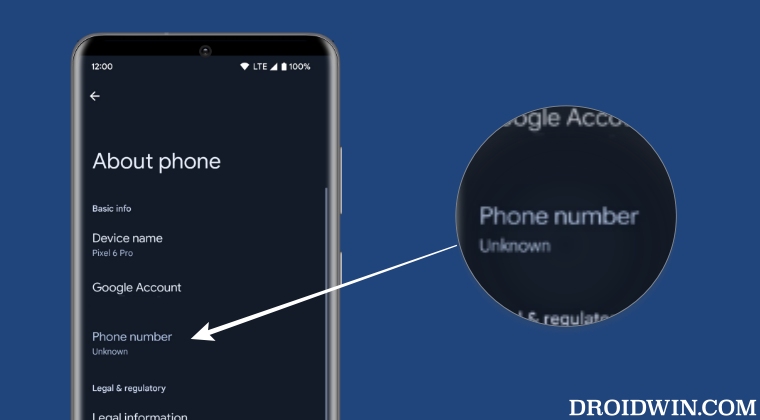
- To begin with, root your device via Magisk.
- Then download and install the LSPosed app.
- Now install SIM Number Setter from GitHub.
- Then launch LSPosed and go to its Modules section.
- Now enable the toggle next to SIM Number Setter.
- Then open SIM Number Setter and type in the desired phone number.
- Finally, hit Save and restart your device for the changes to be saved. Credits: SIM Number Setter
- How to Fake WiFi as Mobile Data on Android
- How to Hide USB Debugging from Apps on Android
- Guide to spoof/fake any and every value of your Android device!
- How to Root any Custom ROM via Magisk [Video]

- John 3 years ago Reply Doesn’t work for dual sim and they said they will never support it.
(Cancel Reply)
Δ
