How to Fix Pixel Watch Unlock Missing
In this guide, we will show you various methods to fix the issue of the missing Pixel Watch Unlock feature . The Silicon Valley giant has recently rolled out a big December update with a slew of intriguing features. One among them is the ability to directly unlock your Pixel device right from your watch itself, thereby adding another impressive functionality to its already rich collection.
However, numerous users have voiced their concern about the missing Pixel Watch Unlock feature as they are unable to get hold of the same from the Watch Companion app. If you are also in the same boat, then this guide will make you aware of numerous nifty workarounds that should help you resolve this bug.
- How to Fix Pixel Watch Unlock Missing FIX 1: Install December Update FIX 2: Verify Device Compatibility FIX 3: It’s a new location! FIX 4: Restart Device FIX 5: Update Play Services
How to Fix Pixel Watch Unlock Missing
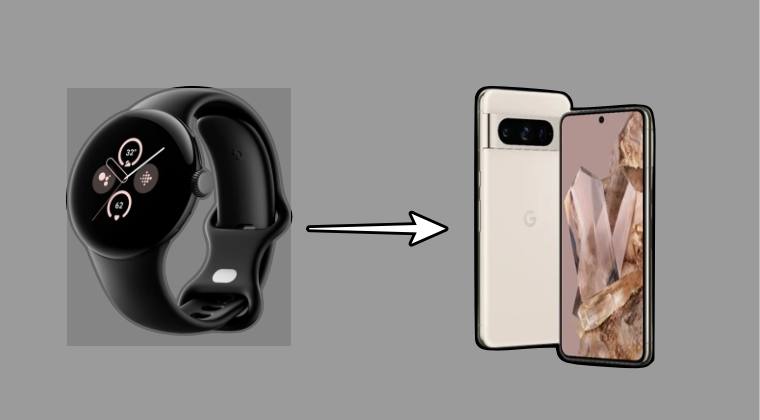
It is recommended that you try out each of the below-mentioned workarounds and then see which one spells out success. So with that in mind, let’s get started.
FIX 1: Install December Update
First off, make sure that you are on the latest December 2023 update. If that is not the case, then download and install it via the below-given instructions:
- Head over to Settings > System > Software Updates.
- Then go to System Update and install the pending update.
- Now restart your device and check out the results.
FIX 2: Verify Device Compatibility
Watch Unlock requires a Pixel 4a or newer running Android 13+. Other devices like tablets can’t be unlocked with this feature.
FIX 3: It’s a new location!
As opposed to the general notion that this feature will be added to the Pixel Watch app, it’s infact located in the device’s Settings menu. Here’s how to access the same:
- Head over to Settings > Security & Privacy > Device unlock.
- Then go to Fingerprint & Face Unblock > “Watch Unlock”.
- Now follow the on-screen instructions to set it up.
FIX 4: Restart Device
As obvious as it may sound, but some users were able to get hold of this feature only after restarting their device. So once you have set it up via the aforementioned steps, make sure to do a restart and then verify the results.

FIX 5: Update Play Services
Make sure that you’re on the latest version of Google Play Services as well. If that is not the case, then go to this link , install the pending updates, and then check out the results.

- Pixel Watch 2 not charging: How to Fix
- How to Pair Pixel Watch with Chinese Phone
- Use Google Pixel Watch LTE in Unsupported Country
- Google Pixel Watch Battery Drain: How to Fix

(Cancel Reply)
Δ
