How to Fix Samsung Odin “FAIL! Blocked carrier” Error
In this guide, we will show you the steps to fix the FAIL! Blocked carrier error when flashing firmware on Samsung devices via Odin. When it comes to flashing stock firmware on Samsung, then one doesn’t have to look any further than Odin. whether you are planning to fix soft brick or bootloop issues, create and flash combination firmware, or want to root your device by flashing the Magisk patched AP file, all of these involve the use of Odin.
However, many users have voiced their concern that they are hitting a roadblock during the flashing process. Whenever they try to flash the firmware on their Samsung device via Odin, they are straightaway greeted with the FAIL Blocked carrier error message and flashing fails at that point in time. If you are also in the same boat, then this guide will make you aware of a nifty workaround that should help you effectively address this error.
How to Fix Samsung Odin “FAIL Blocked carrier” Error
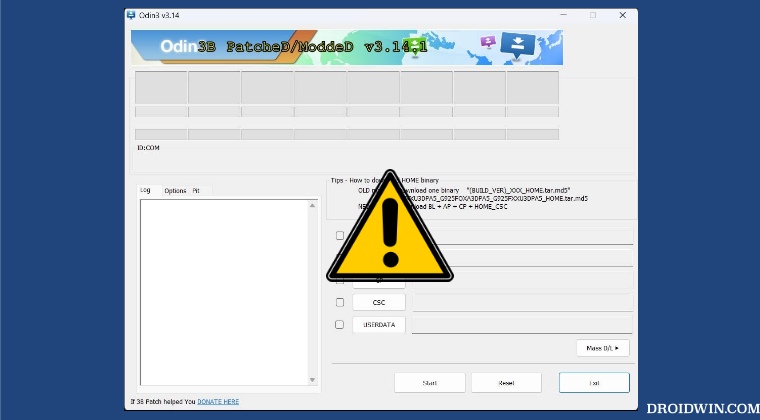
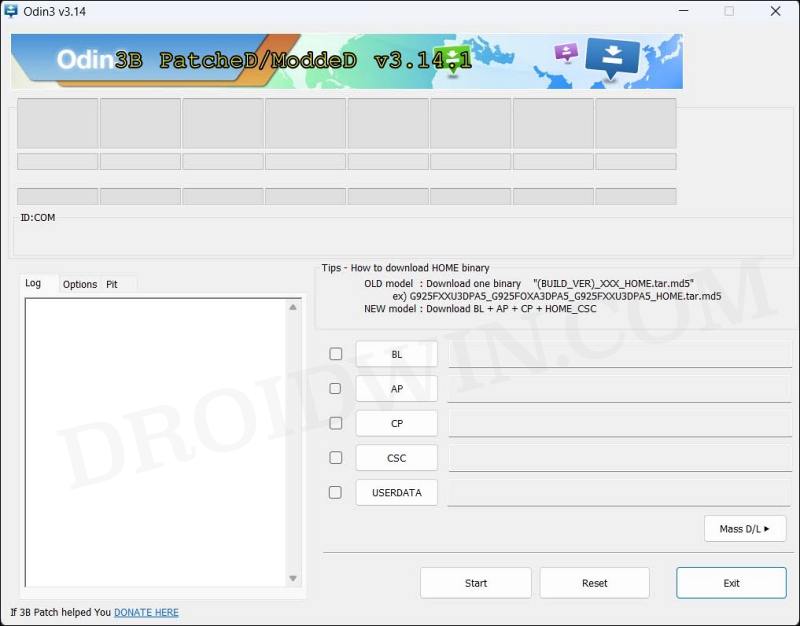
In order to rectify this issue, you will have to use patched Odin software. This patched version of Odin “ignores” any and every type of sha256 fails, carrier mismatches, and model mismatches. So you will be able to easily flash the desired firmware onto your device without having to worry about any carrier-related errors. So download it from the below link [Credits: realbbb ] and then flash the firmware as you do so using the normal Odin software. For instructions, you could refer to this guide.
Odin3 v3.14.1_3B_PatcheD.zip [LATEST]

Older Versions Here
- How to Nand Erase and Re-Partition Samsung via Odin
- Download NetOdin: Flash Samsung Firmware Wirelessly
- How to Create Samsung Combination Firmware and Flash it via Odin
- How to Root any Samsung device via Magisk and Odin

(Cancel Reply)
Δ
