How to Fix YouTube Can’t Run Channel Error On Roku
In this guide, we will show you the steps to fix the YouTube Can’t Run Channel error on Roku. While there are quite a few online media streaming services, Roku has managed to stay on top of this list. What makes it unique in this domain is that it comes with its own media player devices as well. However, the past few months haven’t been particularly great for this streaming giant. There were quite a few issues lined up with regards to this platform, and most of them were linked with issues related to YouTube.
For starters, the YouTube app is no longer available in the Roku Store. And this in itself is a major problem to deal with. While users were coming to terms with this issue, there was another bug that accompanied Google’s streaming service. Whenever users are trying to run YouTube TV or the YouTube TV app on their Roku devices, they are instead being greeted with the Can’t run channel error message.
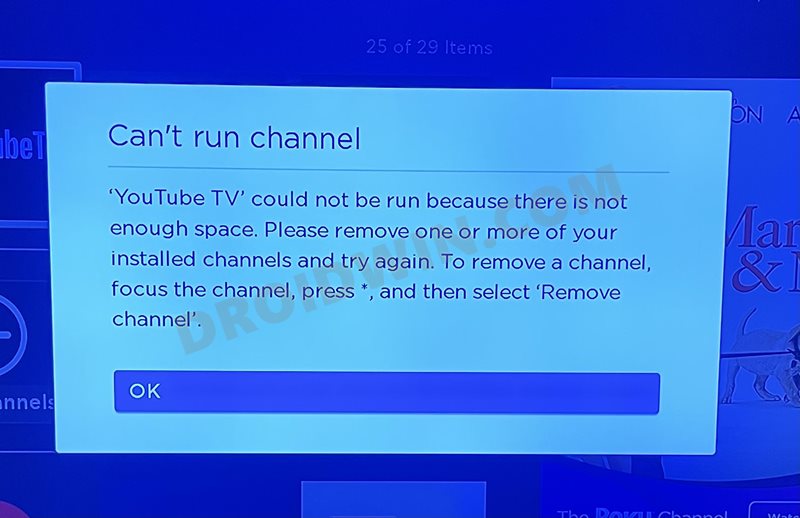
Accompanying it is the error that there isn’t enough free storage space on their Roku devices, when in reality that isn’t the case. Likewise, some users have also reported that they are getting the following error: “Can’t run channel because it could not be reinstalled from the network. Please check your connection”.
In earlier days, whenever such an issue arose, users were able to quickly rectify it by uninstalling the concerning app and then reinstalling the fresh build from the Roku Store. However, since the YouTube App is no longer available in the store, you wouldn’t be able to carry out this tweak. So how could one rectify this issue? Well, there’s an official method now available through which you could fix the YouTube Can’t Run Channel error on Roku. Follow along for the instructions.
How to Fix YouTube Can’t Run Channel Error On Roku
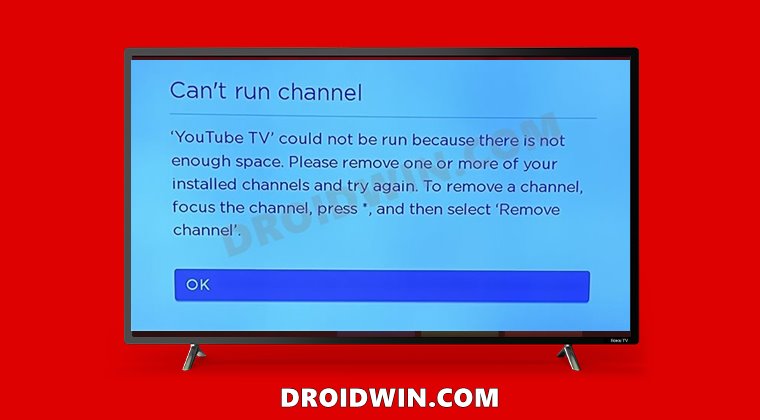
Owing to the slew of complaints getting lined up from various users, Roku was quick to act in this matter. They have released an update that fixes both the aforementioned issues related to the Can’t run channel error. Here’s how you could download and update the latest update onto your Roku device.
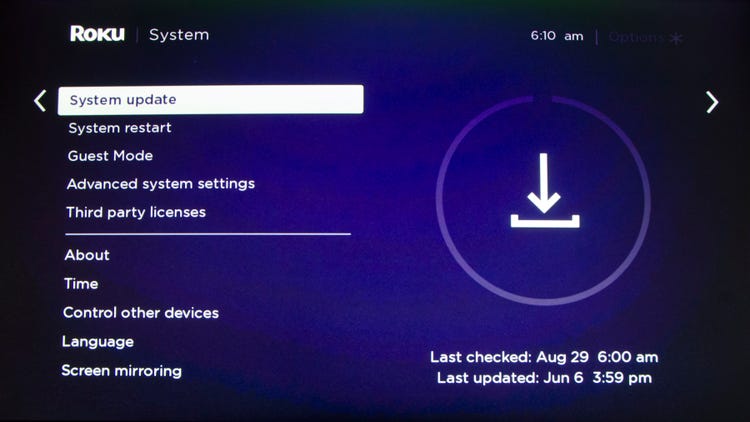
- To begin with, press the Home button on your Roku remote.
- Then scroll to the Settings menu and go to System .
- After that, select the System Update option.
- Finally, select Check Now, and your Roku device will now search for the pending updates.
- Once it gets hold of the same, it shall automatically download and install it.
- How to Fix YouTube TV App not working on Roku
- Fix: HBO Max Crashes and Goes to the Roku Home Screen
- How to Remove Ads on Nvidia Shield and other Android TVs
- Fix Hulu Paid Plan: You can rewind and fast forward after the break

(Cancel Reply)
Δ
