How to Follow All Instagram Friends on Threads
In this guide, we will show you the steps to follow all your Instagram friends on Threads. While the management at Twitter was all going berserk and implementing one weird decision after another, the offering from Meta strikes the iron while it was hot and welcomed its Instagram-style micro-blogging service. As far as its growth is concerned, well, it has witnessed quite an unprecedented rise that probably no other app in its or any domain has witnessed to date.
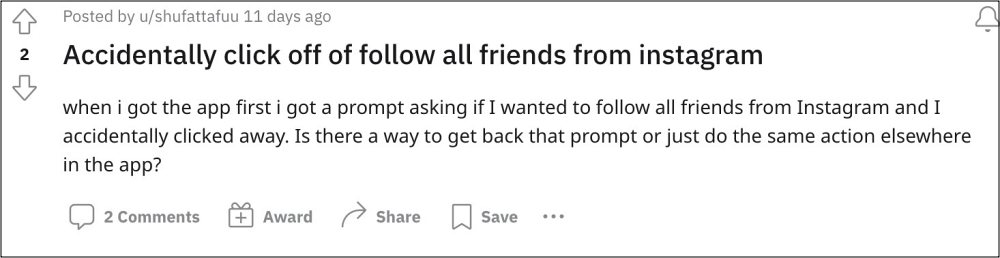
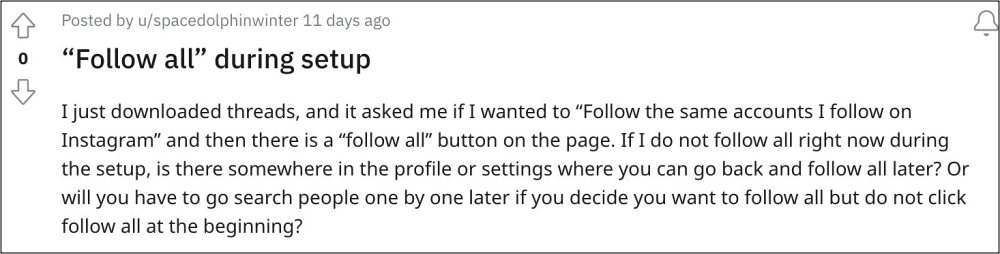
In such cases, one obvious route that they could take is to manually send requests to all Instagram friends who are present here at threads. However, it goes without saying that would end up taking ages and might not even be feasible for many. So what else could be done? Well, there does exist a hidden option that should help you get this job done with ease. So without further ado, let’s check it out.
How to Follow All Instagram Friends on Threads
- Launch the Threads app and go to your profile.
- Then tap on your number of followers.
- Now go to the Following tab and tap on See All.
- Finally, hit the Follow All button situated at the bottom.
- How to Change Your Threads Username
- Fix Followers Request Missing in Threads
- How to Change Your Threads Username
- How to Deactivate Your Threads Account

(Cancel Reply)
Δ
