How to Go Forward in Chrome Browser on Android
In this guide, we will show you two different methods to go forward in the Chrome browser on Android. Devices nowadays come with a plethora of built-in apps, most of which are removed straightaway by the users via ADB Commands. However, Chrome is among the very few preinstalled apps that aren’t tagged as bloatware and users generally prefer to let it have a permanent abode on their device.
One major reason for the same is the fact that it manages to checkmark most of the prerequisites with ease, but what about the ability to re-access a page on which you have just hit the back button? In other words, how could you go forward in the Chrome browser on Android? Well, there does exist a couple of nifty methods through which you could easily get this job done. So without further ado, let’s check them out.
Go Forward in Chrome Browser on Android via Built-in Option
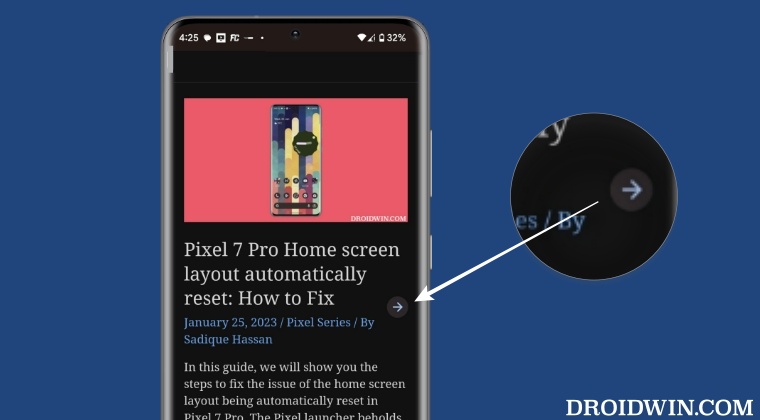
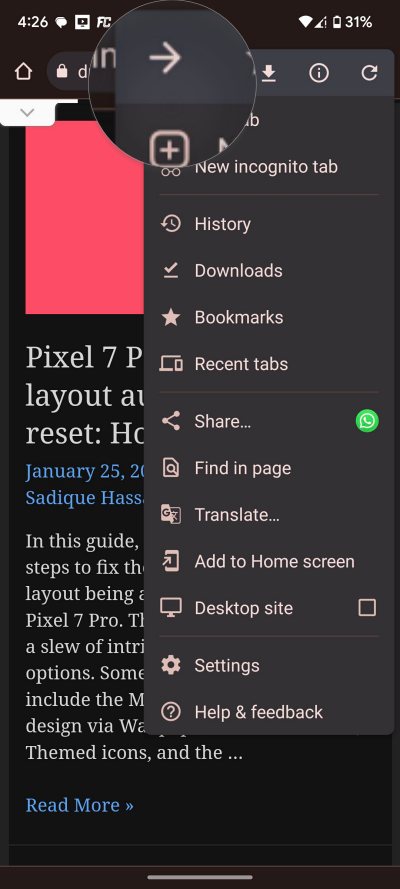
Chrome has a built-in option that you could use to perform a forward gesture. To use it, just tap on the overflow icon situated at the top right and tap on the forward arrow.
Go Forward in Chrome Browser on Android via Hidden Gesture
There also exists a hidden gesture through which you could get this job done, but it comes at a cost! To enable this gesture, you will first have to disable the gesture navigation and switch over to the traditional three-button navigation. If you don’t do so, then the gesture to perform a forward action in Chrome will end up conflicting with the back gesture of the gesture navigation style. The below steps should make it all clear, follow along:
- Head over to Settings > System > Gestures > System Navigation and select 3-button navigation.
- Now launch Chrome and perform a swipe from the right edge of the screen towards the left-hand side.
- This will perform a forward action in Chrome and take you to the next page.
- [If you were still on Gesture Navigation, then it would have performed a back gesture instead].
- How to Bring Back the Old Download Menu UI in Chrome Android
- How to Bring Back the Open in New Tab option in Chrome Android
- Disable Tab Groups in Chrome Android- Bring back old Chrome Tab Layout
- YouTube app on Android 13 crashing when casting to Chromecast [Fix]

(Cancel Reply)
Δ
