How to Hide Root via KernelSU on Rooted Android
In this guide, we will show you the steps to hide the root from the banking and payment app of your choice using KernelSU. The number of users who are into custom development is on a forever decline and we can’t blame them either. With a slew of caveats attached which is increasing on a regular basis, users prefer to maintain a safe distance from these tweaks [the likes of keybox XML file being revoked every now and then is a perfect testimony to the same].
Making matters worse is the failing of the Play Integrity test, whose major repercussion is that you would no longer be able to use any banking and payment app of your choice. While there exist quite a few workarounds to hide root from these apps, however, the said apps have now put some stringent measures in place, especially if you have rooted your device via Magisk.
Therefore, we are seeing a growing a number of users making a switch from Magisk to KernelSU. If you are also in the same boat and are now looking to hide root via KernelSU, then this guide is all that you would need. Follow along for the instructions.
How to Hide Root via KernelSU

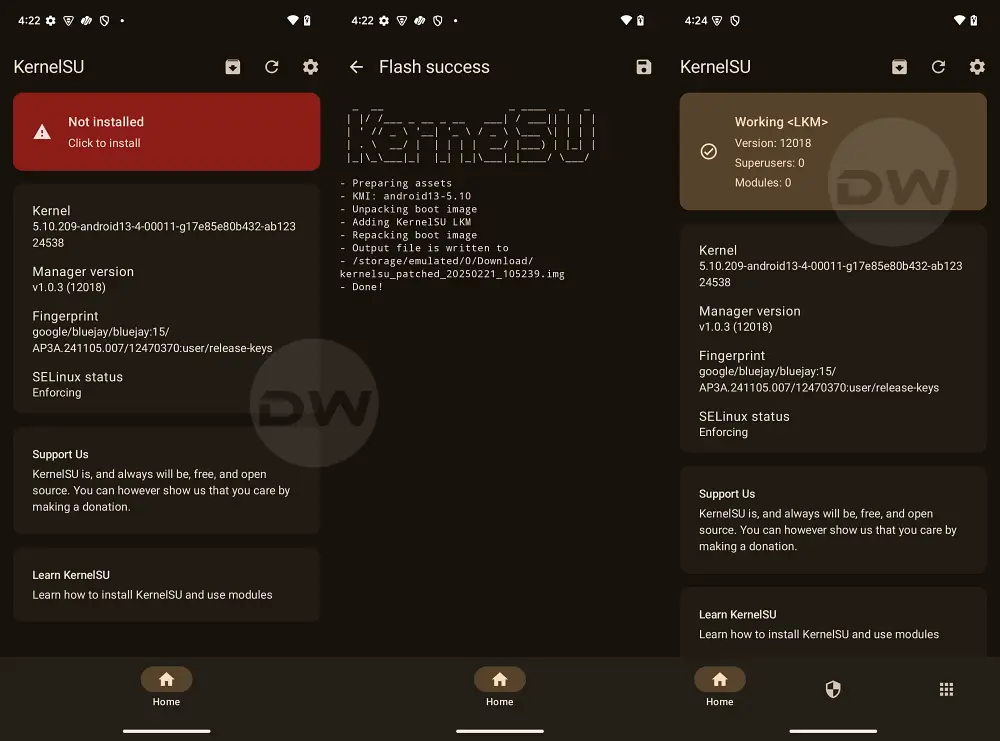
If you are currently rooted via Magisk, then consider making a switch to KernelSU via LKM [recommended] or GKI . Once that is done, you may then proceed with the below steps [do take a backup beforehand, just to be on the safer side]. Droidwin and its members wouldn’t be held responsible in case of a thermonuclear war, your alarm doesn’t wake you up, or if anything happens to your device and data by performing the below steps.
- Pass the Play Integrity Test on your device using KernelSU.
- Download and install LSPosed Framework on your device.
- Next up, download and install the Hide My Applist module.
- Now launch LSPosed, go to Modules, enable HMA module.
- Then restart the device to activate HMA and then launch it.
- Next, go to Template Manage > Create a blacklist template.
- Name it root and then tap Edit List next to 0 apps invisible.
- Checkmark all your rooting apps [Magisk, etc] and go back.
- Now go to App Manage > Select banking app > Enable Hide.
- Keep the Work Mode as Blacklist and tap Using 0 template.
- Then select the Root template and now check out the results.
- Rooting via Magisk/KernelSU/APatch: Boot or Init Boot
- How to Flash Kernel with Integrated KernelSU on Galaxy S24 Ultra
- Guide to Enable Zygisk in KernelSU and APatch
- How to Give SuperUser Root Access to Apps via KernelSU

- Dang kien 11 months ago Reply I need the keybox.xml file, if you have it please give it to me, thanks
(Cancel Reply)
Δ
