How to Install AI Core Update on Pixel Devices
In this guide, we will show you the steps to install the latest AI Core Update on your Pixel device. The Silicon Valley giant has picked up the pace when it comes to integrating Artificial Intelligence across its numerous apps, products, and services. Right from its Bard implementation to the tons of AI goodies in the Photos app, including the likes of Magic Eraser, Best Take, Magic Editor, and Zoom Enhance, there are a plethora of tweaks to look forward to.
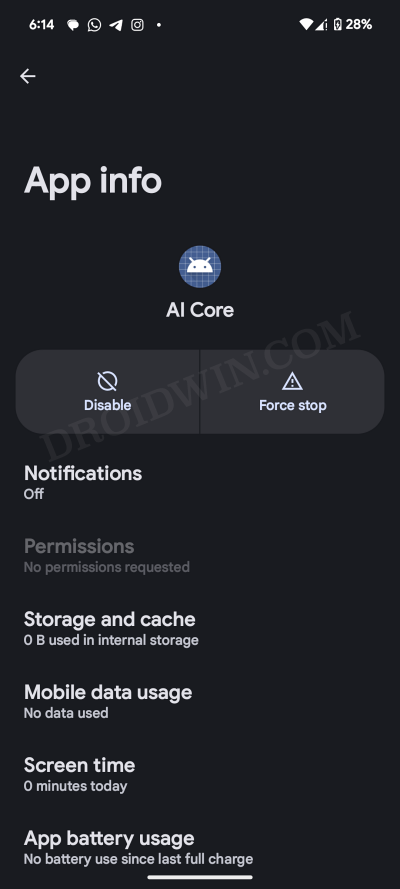
Moroever, Google is further enhancing these AI functionalities and it has already taken a step in this direction by rolling out the first update for its latest flagship. These updates are managed by AI Core, which is a new system app installed on Pixel devices having the Tensor chipset [Pixel 6 series and higher] and running Android 14+. You cannot interact or launch its app, it just carries out its tasks in the backend without any prompts.
Furthermore, if you head over to its App Info page and go to Additional Settings in the app, then you’ll find the Enable AICore Persistent feature which is disabled by default. It has been done so to preserve the battery life or else the “AI Core will carve out the memory and run persistently”. This option is only present on the Pixel 8 Pro and might not be visible on the other variants.
Pixel 8 Pro Recevies AI Core Update
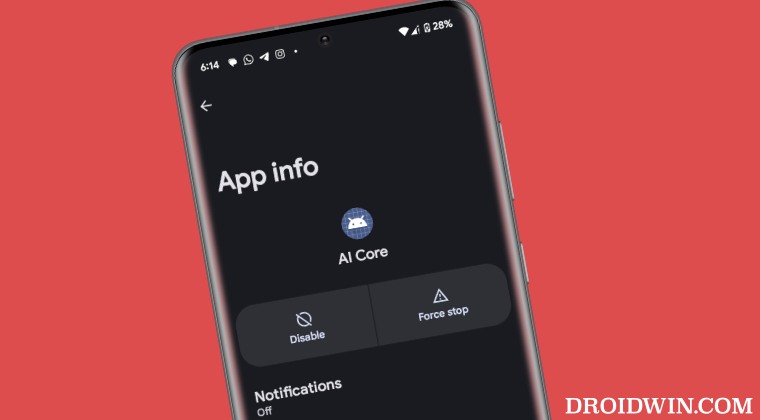
At the time of writing, Google has rolled out the latest AI Core update, bumping the app version from 0.release.539035001 to 0.release.582652206. As of now, it’s only available for the Pixel 8 Pro, with other devices might be the beneficiary of the same in the coming days.
How to Install AI Core Update on Pixel Devices
As far as installing this update is concerned, it should be automatically installed in most cases [unless you have disabled auto updates from Play Store]. If that is not the case, then head over to Settings > Apps > All Apps > AI Core > App Details > Update from Play Store [ direct link ].
- Google Wallet Quick Tile Unavailable/Greyed Out: How to Fix
- Fix Pixel 8 Pro High Brightness and Contrast in Google Photos app
- Fix Pixel 8 Pro Incoming Calls going to Voicemail without ringing
- AOD Always on Display not working on Pixel 8 Pro [Fix]

(Cancel Reply)
Δ
