How to Install January 2023 Update on Pixel 5A 5G Right Away
In this guide, we will show you a couple of methods to install the latest January 2023 security patch update onto your Pixel 5A 5g device. Owing a device from the Silicon Valley giant brings in a slew of noteworthy goodies, primary among which is the fact that your device will be the first in line to get blessed with the latest updates. Well, if we talk about the fifth iteration of Pixel devices, this only seems to be true only on paper, because the reality is a stark contrast from it.
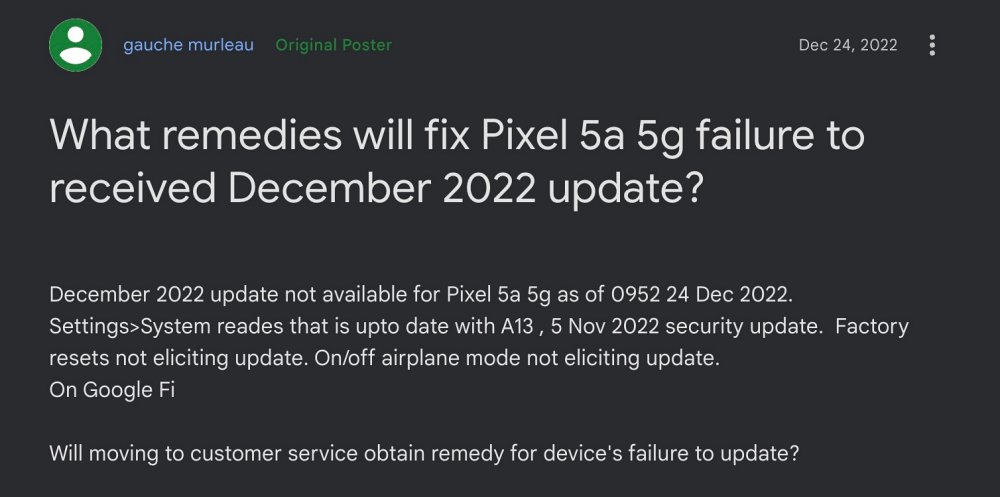
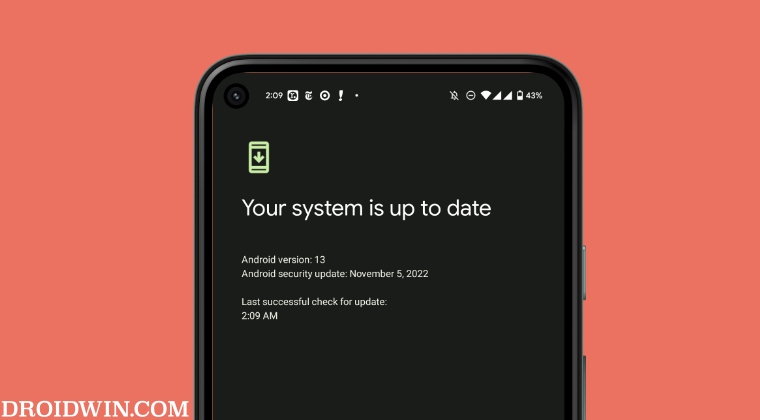
At the time of writing, the Pixel 5A 5G is still stuck on the November 2022 update, with no signs whatsoever of the December 2022 security patch, let alone January 2023. Initially, this issue was only reported with Google Fi, then the T-Mobile users joined this line, and now, even unlock carrier device owners are reporting this concern. If you are also in the same boat, then this guide will show you two different methods to welcome the January update onto your device right away.
- How to Install January 2023 Update on Pixel 5A 5G Right Away Join the Android Beta Program Via ADB Sideload
How to Install January 2023 Update on Pixel 5A 5G Right Away
It is recommended that you go through both these methods once [along with their perks and caveats] and then try out the one that is in sync with your requirement.
Join the Android Beta Program
This is the shorter and easier of the two methods but on the flip side, the beta update might have a few bugs than its stable counterpart. Moreover, if you ever plan on going back to the stable build, then you will first have to reset your device. So if that’s all well and good, then proceed with the below steps to get started
- Head over to Android Beta Program and sign in with the same account that you are currently using on your Pixel 5A 5G.
- Then scroll to the Eligible Devices section and your device will be listed there, click on Opt-in. Reference Image
- Now proceed with the on-screen instructions to get yourself enrolled in the Beta program.
- Once done, you will shortly receive the beta update on your device from Settings > System > System Update section.
- So download and install it right away. That’s it. You are now on the latest January 2023 security patch update on your Pixel 5A 5g.
Via ADB Sideload
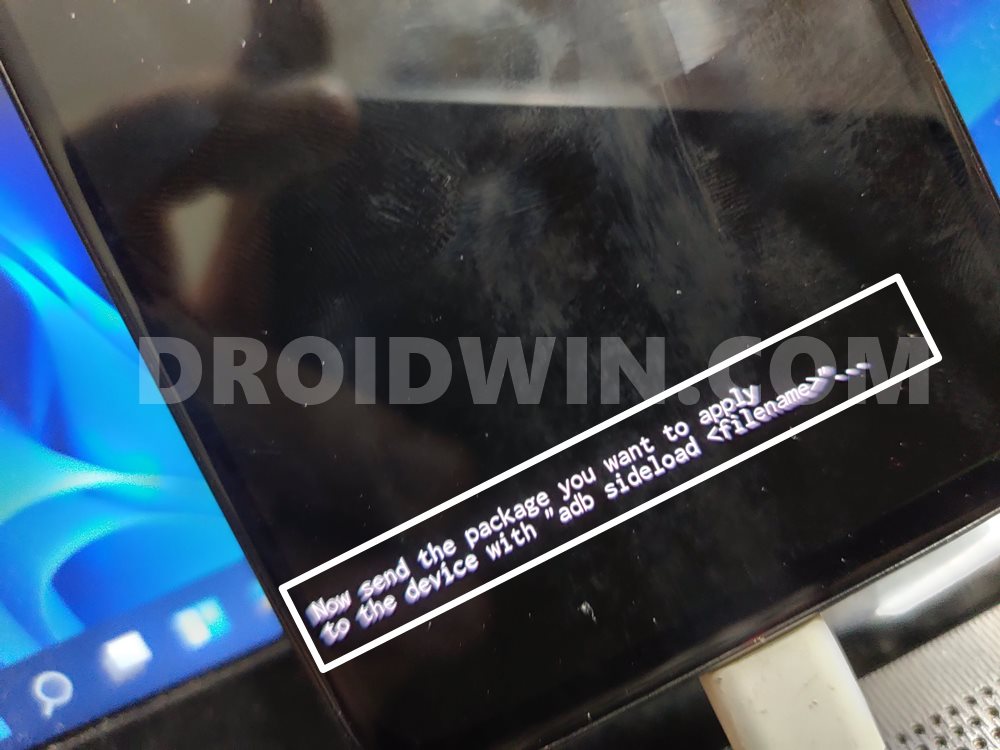
While this method is slightly technical in comparison with the earlier one but it doesn’t require any data wipe and you don’t need to be a beta tester either. So if you are willing to give this tweak a try, then take a data backup [to be on the safer side] and then check out our guide on Flash Firmware on Pixel via ADB Sideload
- Spoof your Android Device to Pixel [or any other of your choice]
- Screenshot Editor/Markup not working on Pixel 7 Pro [Fixed]
- How to Force Enable Jio and Airtel 5G on Pixel 6A/7/Pro
- Fix Pixel 7/Pro cannot connect to car Bluetooth on Android 13

(Cancel Reply)
Δ
