How to Open Links in Chrome by Default in Vivo X90 Pro Plus
In this guide, we will show you the steps to open links in Chrome by default in Vivo X90 Pro Plus. When it comes to the flagship domain, then the discussion usually surrounds the likes of Pixel, Samsung, and OnePlus. However, Vivo is one such player. that doesn’t usually get the appreciation that is deserves. Even though it beholds a top-of-the-end specs sheet with a slew of intriguing goodies, but its region restrictions issues tend to pull it back.
Add to it, its ongoing issues with Google Mobile Service only make the matter worse. In the past, we have already seen a slew of Google app-related issues with Vivo devices. And now there has been another such instance, this time with its flagships. Numerous users have voiced their concern that they are unable to open any links in Chrome by default on their Vivo X90 Pro Plus.
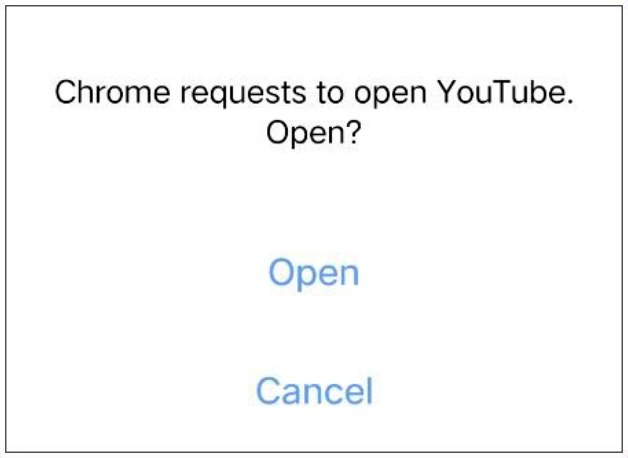
Even though they get a prompt regarding “Chrome requests to open
How to Open Links in Chrome by Default in Vivo X90 Pro Plus
- How to Open Links in Different Apps on Vivo X90 Pro
- Notifications not working on Vivo X90 Pro+: FCM Diagnostics Fix
- How to Disable Permission Monitoring in Vivo
- How to Debloat/Remove Bloatware from Vivo X90 Pro

(Cancel Reply)
Δ
