How to Open Notepad Text Files .txt in a Browser
In this guide, we will show you the steps to open Notepad text files .txt in a web browser. Notepad does its job quite well when it comes to handling text files. However, in some instances, it might not be able to handle large-size TXT files. Granted text files are usually only in KBs, but in rare cases, they might span quite a few MBs or even strafe toward the GB mark.
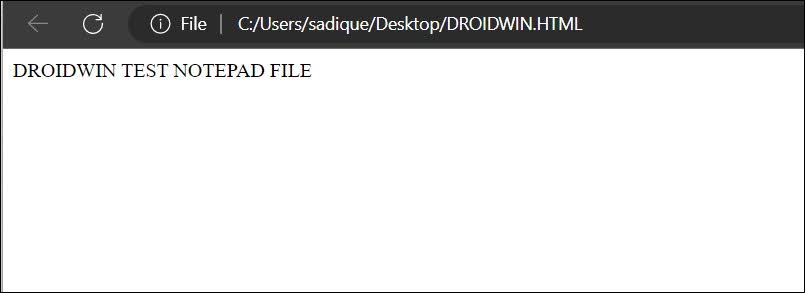
However, Notepad could only handle files that weigh 2GB or less. If a file size exceeds this limit, then let alone Notepad, even if third-party advanced counterpart Notepad++ wouldn’t be able to handle such files. In such cases, your best bet will be to open the Notepad text files .txt in a web browser. And in this guide, we will show you how to do just that. Follow along.
- How to Open Notepad Text Files .txt in a Browser Method 1: Drag and Drop Method 2: Save as HTML
How to Open Notepad Text Files .txt in a Browser
We have listed two different methods that should help you get this job done. Go through both of them and then try out the one that is in sync with your requirement.
Method 1: Drag and Drop
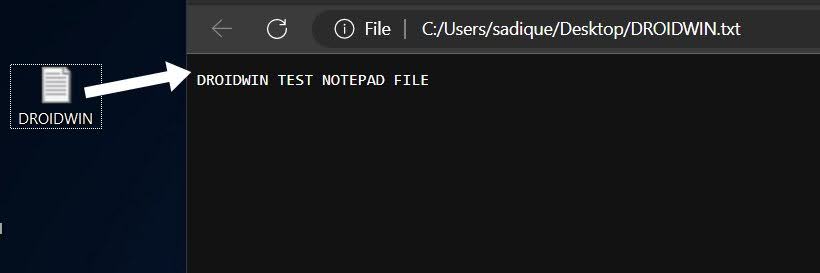
Open a new tab in your browser and just drag and drop the text file over there. It will be opened straight away.
Method 2: Save as HTML
- Open the text file and save it as .html.
- Then open it and it will be opened in the default browser.
- Cannot Publish Calendar in MS Outlook: How to Fix
- Cannot download games from Microsoft Store: Visual C++ 2015 Bug Fix
- How to Downgrade Microsoft Excel to an Earlier Version
- Add Power Menu to Windows 11 Right-Click/Context Menu

(Cancel Reply)
Δ
