How to Remove Black Bar over Keyboard in iOS 26
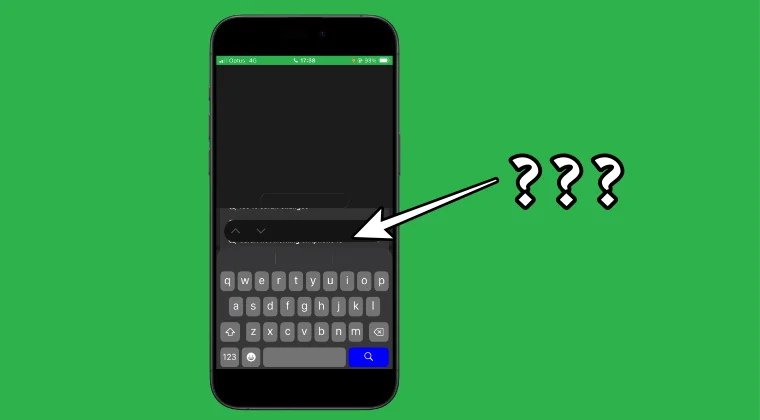
I seriously don’t know what to call that region. It’s a black box just above Apple’s QuickType/suggestive text bar. It has up and down arrows with a checkmark at the right. Moreover, it doesn’t appear across all the webpages, but only a bunch of them; but when it does show up, it tends to cover a portion of the screen.

Likewise, I can’t even see what is being typed in the text box. So what is the escape route? Well, I can either tap on the checkmark or tap anywhere outside the box, and it will be gone, only to re-appear next time I land on this page. So, is there a permanent fix for this UI issue? Well, there is one, and in this guide, we will make you aware of just that. So without further ado, let’s get started.
How to Remove Black Bar over the Keyboard in iOS 26
Now that we have removed the black bar over your keyboard, let us know what issue needs to be addressed next on your iPhone running iOS 26 and we will come up with a remedy at the earliest.
- Full Page Screenshot Not Working on Safari iPhone iOS 26 [Fixed]
- iOS 26 Ruined Contacts App! Here’s How to Fix It
- Spatial Scene/Effect Stuck at 0% or Not Working on iOS 26 [Fixed]
- How to Enable 120Hz Refresh Rate in Safari on iPhone

(Cancel Reply)
Δ
