How to Remove Continue Watching from Roku Home Screen
In this guide, we will show you a nifty workaround that might help you remove the Continue Watching section from the Roku home screen. With the latest OS 11 update, Roku took a major step which, in theory, will allow users to easily continue from where they last left off, but the reactions suggest otherwise. It has received quite a lot of negative reception and backlash from the end users. And most of them have nothing to do with the UI/UX.
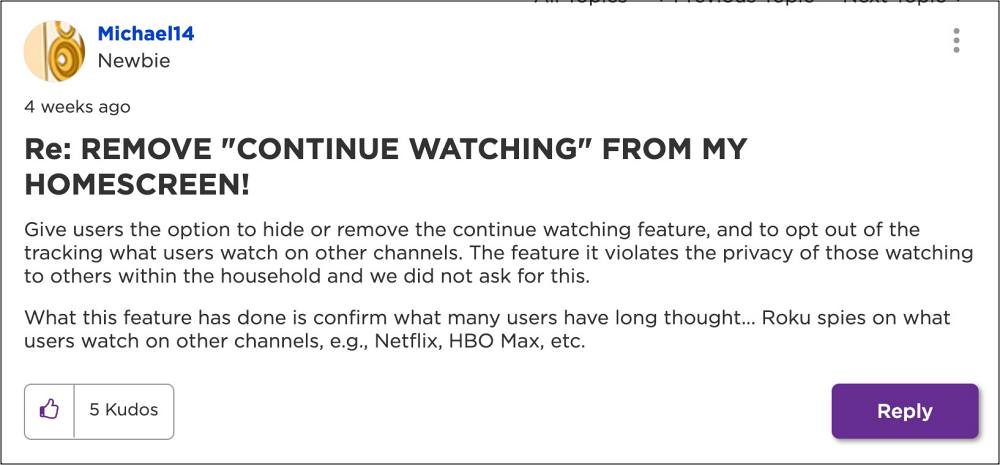
According to them , it “violates their right to privacy” because all the other members of their family could now view what they were watching. To make matters worse, even children could now end up watching content that might not be suitable for them. While the intention of Roku was just to streamline and ease out the entire usage experience, however, things have taken a turn for the worse.
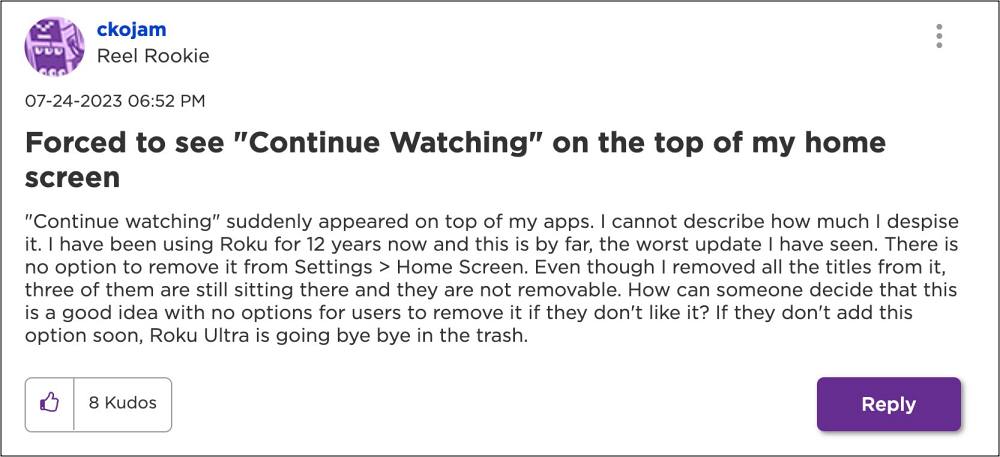
Adding salt to injury, we went through this Roku Developer API guide and it seems that this feature has been hard coded to the OS. With that said, there does exist a workaround that might still help you get this job done. So without further ado, let’s check it out.
How to Remove Continue Watching from the Roku Home Screen

- From the Home Screen, click on the 1st show.
- Then hit the asterisk (*) button on the remote.
- Now click to remove the movie from Continue Watching.
- Now do the same for the next show that is on that Banner [until all shows are removed].
- There should be no shows or movies remaining on the Home Screen.
- So now, go to Settings > Home Screen.
- Then uncheck the “Add Movies” button, and the “Turn Off TV” button.
- Return to the Home Screen to see if these changes have been made.
- Hulu audio lag/sync issue on Roku: How to Fix
- Roku Missing Characters/Texts in Title [Fix]
- HDCP Error Code 020 on Roku OS 10/11: How to Fix
- Roku Remote Skipping Channels: How to Fix

- Mike Anderson 2 years ago Reply I have no “add movies” option in the Home Screen setting, or anywhere else in settings. How do I then keep this from returning?
- ankara tatlıcı 2 years ago Reply thank you posting
(Cancel Reply)
Δ
