How to Remove Fog in Dying Light 2 after Completing the Story
In this guide, we will be sharing a plausible workaround that might help you remove the fog from Dying Light 2 after completing a story. While it has only been over a month since this action role-playing game first made its way, it has already managed to capture the attention of the masses. Belonging to the survival horror genre, it has received quite a few praises for its combat, parkour system, and open-world environment and has proven to be a worthy successor of its earlier installment.
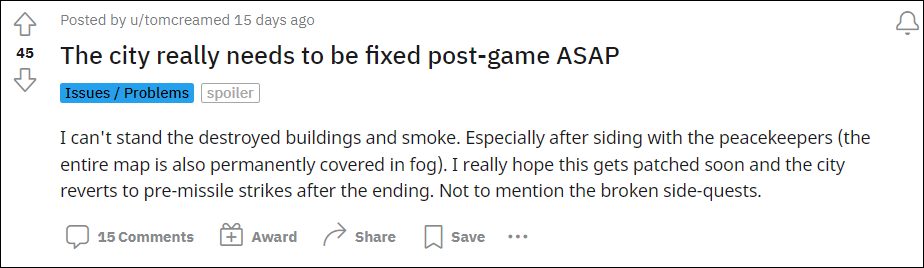
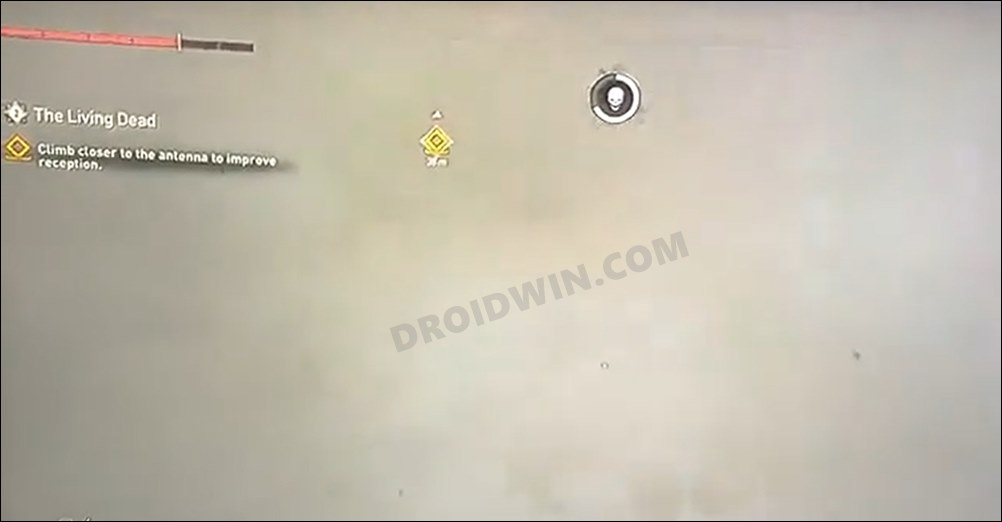
However, it seems that there are still a few rough edges that the developers need to polish. As of now, various users have voiced their concerns regarding the game’s intention to fill in the map with fogs and smoke upon completing a story. These clouds of smoke are proving to be a great deal of inconvenience as users are unable to view what’s in front of them.
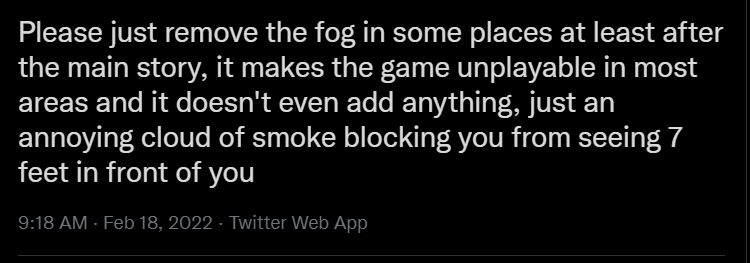
Be it for Save Lawan’s ending or the Old Villedor, all these places are completely hazed out. What is even more infuriating is the fact that these fogs don’t go away on their own. even after a considerable time period has elapsed. With that said, there does exist a nifty workaround that might help you remove the fog from Dying Light 2. So without any further ado, let’s check it out.
How to Remove Fog in Dying Light 2 after Completing the Story
As of now, the only workaround that manages to rectify this issue requires you to join a random person’s online game, then leave it and come back to your own single-player game. While this does tend to mitigate the underlying issue up to an extent, but it is only temporary in nature. This is because you will have to execute this workaround every time you launch the game.
So on that note, we round off the guide on how you could remove the fog from Dying Light 2 after completing a story. As far as the official stance on this matter is concerned, the game developers are aware of this graphics bug. However, they haven’t given out any ETA for the rollout of the fix. As and when that happens, we will update this guide accordingly. In the meantime, the aforementioned workaround is your best bet.
- Dying Light 2 Crossbow and Blueprint Bugs: How to Fix
- Stuck in Elevator in Houndfield Electrical Station in Dying Light 2 [Fixed]
- Dying Light 2 Survivor Sense Not Working: How to Fix

(Cancel Reply)
Δ
Dying Light 2 Crossbow and Blueprint Bugs: How to Fix
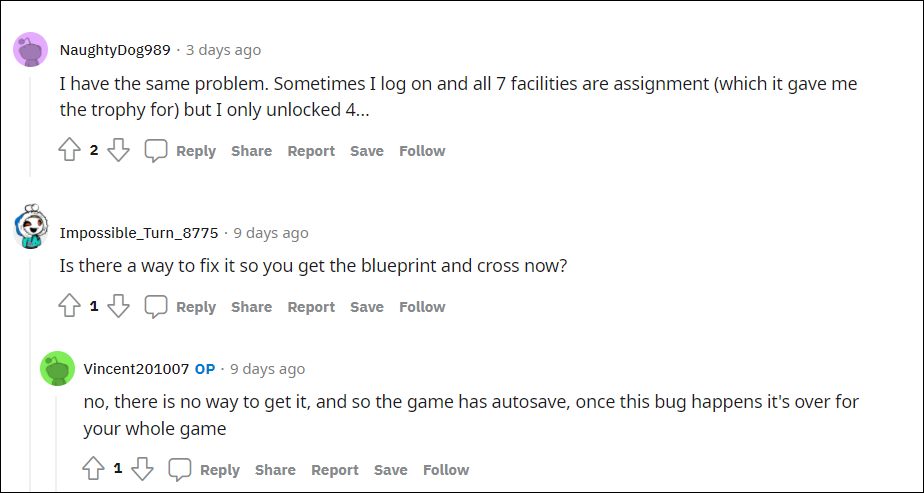
In this guide, we will be sharing a workaround that might help you fix the Dying Light 2 Crossbow and Blueprint bugs. This action role-playing game has just been released for numerous platforms. With a new protagonist, having numerous parkour skills and related animations, and tons of melee and long-range weapons(which could be upgraded via different blueprints), there are indeed quite a few things to look forward to.
However, in spite of all the goodies attached, it isn’t free from its fair share of issues. A slew of complaints are lined up across various forums where users have voiced their concern that they are unable to get the Crossbow. Along the same lines, the bug is also preventing them from getting access to the blueprints. Here’s what is actually happening. When the users are doing one of the electric stations, they are 1 for survivors and 3 for the Peacekeepers.
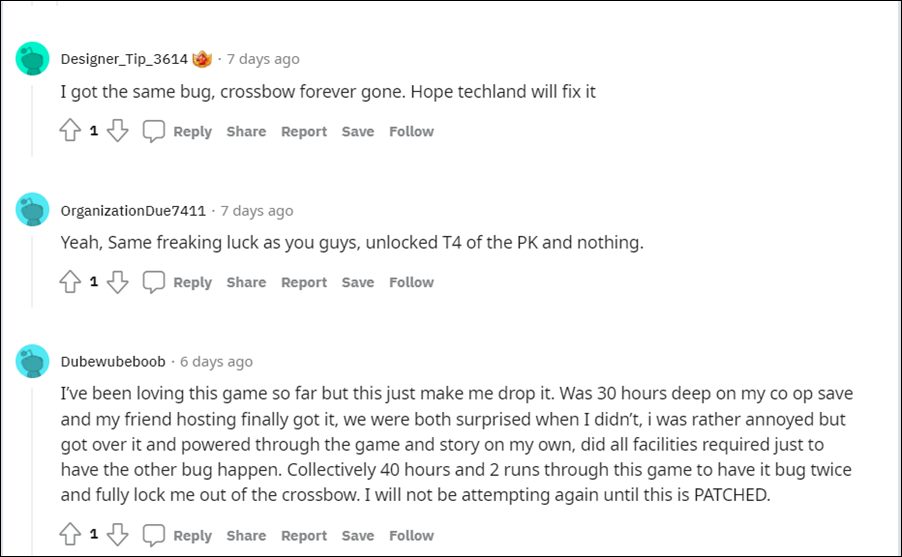
Then when they are on the last menu (where you need to choose a faction), the game will assume that you have every survivor group upgrade (jump pads, exploding cars, etc). Along the same lines, the Peacekeepers is also at 10, though the correct value should be 4. Combine all these issues, and the Dying Light 2 users are the ultimate sufferers as they are unable to get the Crossbow and Blueprint. If you are also getting bugged with this issue, then this tutorial will make you aware of a method to rectify it once and for all. Follow along.
How to Fix Dying Light 2 Crossbow and Blueprint Bugs
To rectify this issue, you will have to take the help of a Developer Menu mod. So refer to the below instructions steps to implement this fix right away:
- To begin with, download the Dying Light 2 Dev Menu-11-1-1-1644076101.zip.
- Then extract it to any convenient location on your PC.
- This should give you the data2.pak file, transfer it to the following directory: Dying Light 2\ph\source\
- Now launch the game and head over to the Hints menu.
- Within that, go to the Items tab and head over to its Search bar.
- Then type in cross in the search box and select ‘PK Crossbow’ weapon from the search results.
- So with this, you would have got the PK Crossbow. Regarding the Blueprint, type in Bolt in the search box.
- Then select Craftplan_Bolt from the results and you would have got the Blueprint as well.
This mod has been known to spell out success for many users, however, there are still a few concerns. While NexuMods is a pretty popular name in the modding community, however, not everyone will be comfortable downloading a mod from a third-party site. Moreover, this method to fix the Dying Light 2 Crossbow and Blueprint bugs would only work for PC users, and Play Station users are still left behind. So all this begs for an important question-
READ NEXT: Dying Light 2 Survivor Sense Not Working: How to Fix
(Cancel Reply)
Δ
