How to Remove Space from below the keyboard in Samsung
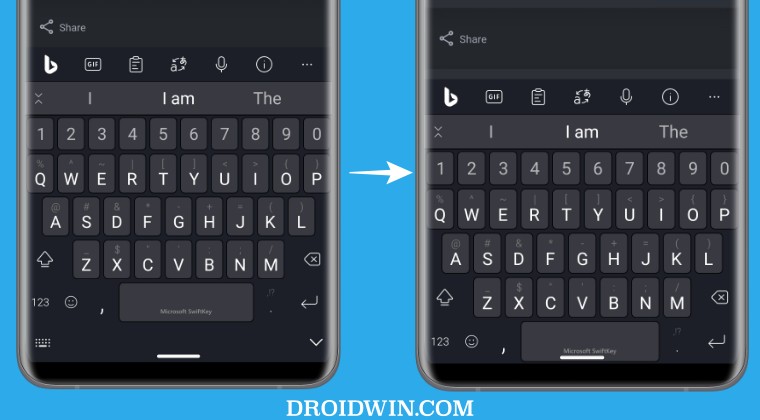
In this guide, we will. show you the steps to remove the space from below the keyboard on your Samsung device. While the OEM has packed in tons of preinstalled apps into its UI, however, that isn’t the only piece of unwanted stuff present in its underlying OS skin. Right beneath the keyboard and above the navigation bar, you get an additional layer that literally serves no purpose whatsoever, apart from cramping up the room and giving us a more condensed user interface.
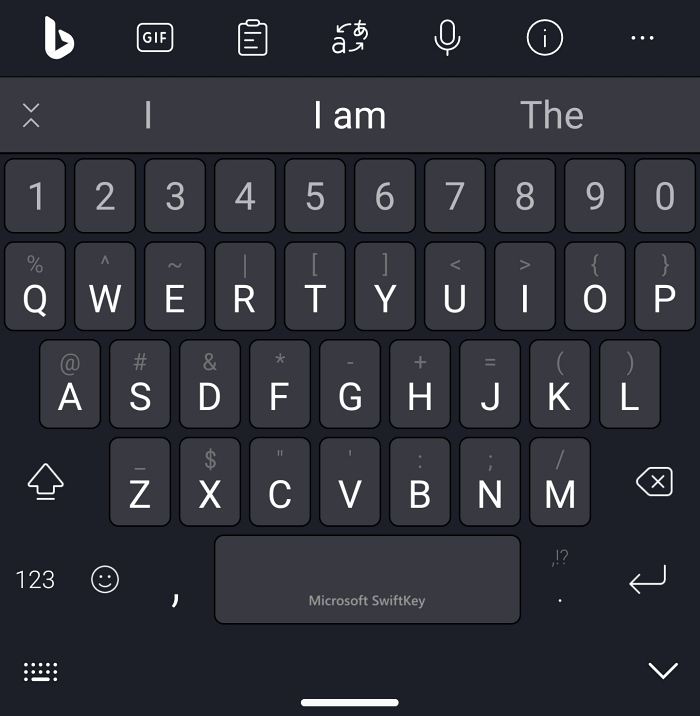
Fortunately, as opposed to other OEMs [Hey Google], the South Korean giant has at least given us the option to remove the space from below the keyboard on your device. And in this guide, we will show you how to do just that. So without further ado, let’s get started.
How to Remove Space from below the keyboard in Samsung

- Galaxy S23 Ultra: High bitrate videos in 8K 30fps mode issue
- Make System Partition Read Write R/W on Galaxy S23 Ultra
- Fix Bootloop after Rooting Galaxy S23 Ultra
- How to Change CSC to US Carrier on Galaxy S23 Ultra

(Cancel Reply)
Δ
