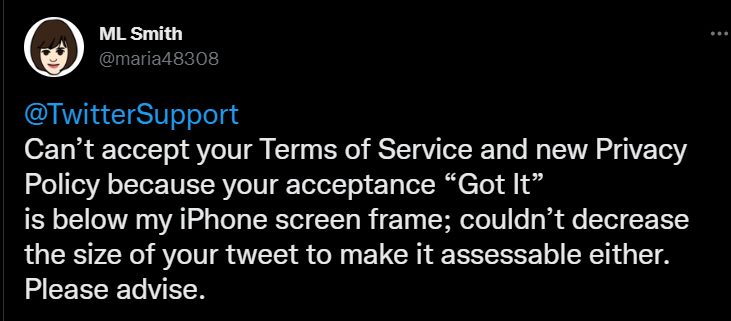
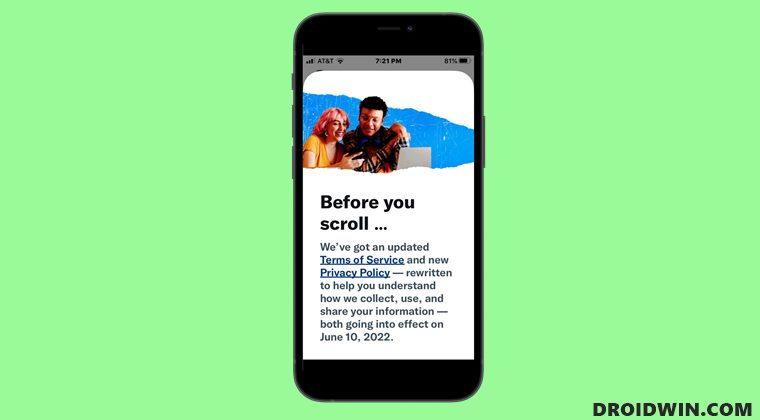
In order to resolve this issue, you will have to temporarily decrease the font size. Doing so will bring up the Got It button which you could then interact with. Once that is done, you could bring the font size back to its default size. Here’s how all of this could be carried out.
- To begin with, head over to the Settings menu on your device.
- Then go to Display Font Size and decrease the text size.
- Now launch the Twitter app and you should now see the Got It button.
- Tap on it and the dialog box will now be gone, for good.
- Once done, go back to the Font Size page and increase it to its default value.

(Cancel Reply)
Δ
