How to Remove USB Debugging Notification on Android [Video]
In this guide, we will show you the steps to remove the USB Debugging notification from your Android device. USB Debugging is among the most powerful tool that a tech enthusiast could have in their arsenal. It allows them to establish an ADB Connection with their PC which in turn gives them the platform to execute the desired ADB Commands [such as the one needed to boot to Recovery or Fastboot, adb shell, adb sideload, among others].
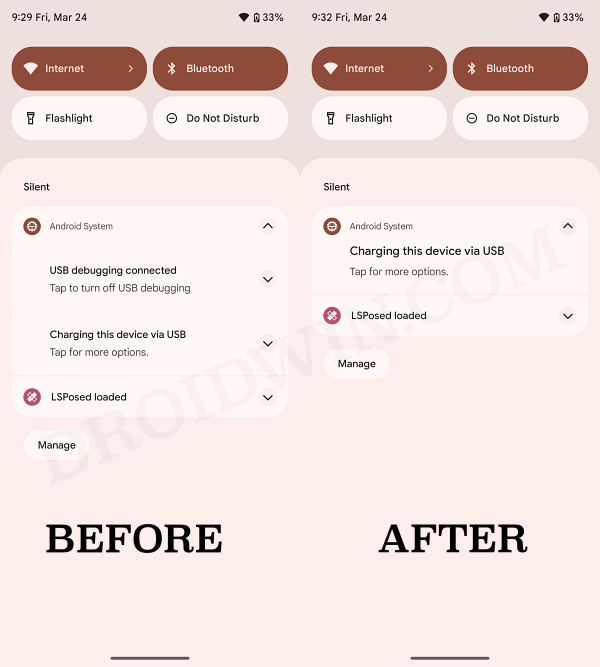
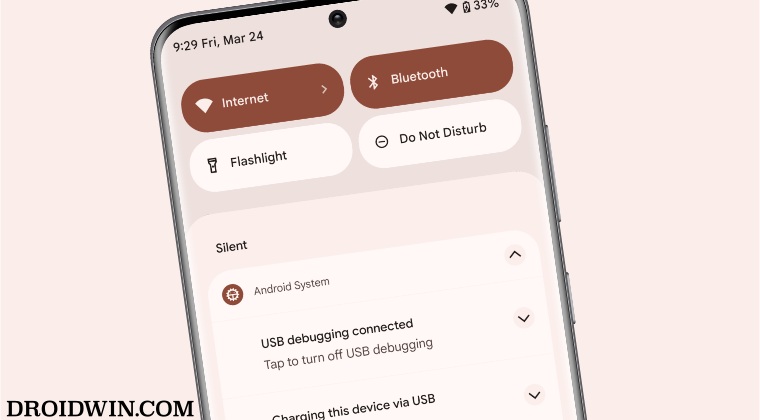
However, as soon as the connection is established, there will be a persistent indication regarding the same on your device’s notification panel. This prompt is from the Android system and cannot be removed by swiping left or right or even if you interact with it. So is there any way to bid adieu to this prompt, while Debugging is active?
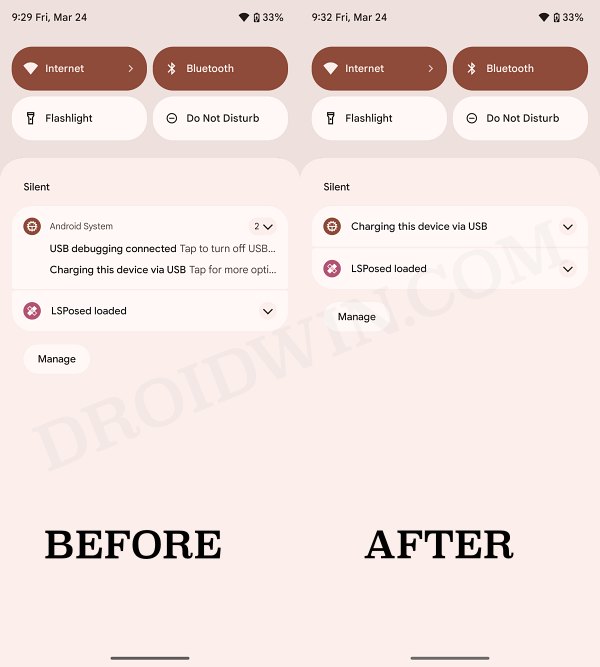
Well, there does exist a nifty workaround through which you could remove the USB Debugging notification from your Android device. And in this guide, we will show you how to do just that. Follow along.
How to Remove USB Debugging Notification on Android
- To begin with, root your device via Magisk.
- Then install the LSPosed app on your device.
- Now install the Dark Tricks mod from GitHub.
- Then launch LSPosed, go to Modules, and enable the toggle next to Dark Tricks.
- After that, tap on the settings icon at the bottom right.
- Finally, enable the toggle next to Hide ADB Notifications and restart your device.
- How to Hide USB Debugging from Apps on Android
- Enable USB Debugging when stuck in constant restart/bootloop
- Wireless Debugging Feature of Android: How to Use
- How to set up and enable ADB Debugging in Galaxy Watch 4

(Cancel Reply)
Δ
