How to Switch from Gemini to Google Assistant
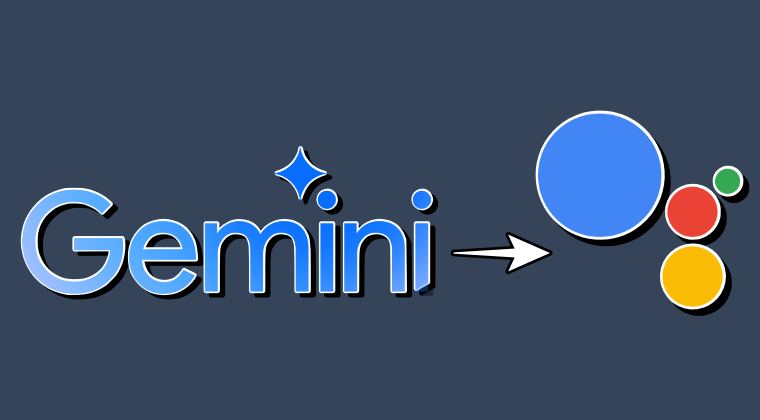
In this guide, we will show you the steps to make a switch from Gemini to Google Assistant. Long before this entire AI hype started trending, we had our beloved assistant app from the Silicon Valley giant that managed to checkmark most of the prerequisites with ease. Granted, it doesn’t have the advanced capabilities that Gemini or Bard beholds, but it is at least trustworthy and functions without any hiccups, something that couldn’t yet be said with these AI apps as they are still in their infancy stage.
Moreover, if you are planning to use the Gemini app, then chances are your device might automatically make it the default assistance app, even if you had no intention of doing so. Fortunately, this default setting isn’t hard coded and you have complete granular control over the same. So making full use of the same, let’s make you aware of the steps to make a switch from Gemini to Google Assistant.
How to Switch from Gemini to Google Assistant
- Launch Gemini and tap on your profile at the top right.
- Then select Settings > Digital Assistants from Google.
- Now choose Google Assistant from the list.
- Finally, tap on Switch in the confirmation prompt.
- How to Enable Magic Compose Bard AI in Google Messages
- Guide to Remove AI Watermark from a Photo in Samsung
- How to Turn off Circle to Search Feature on Pixel and Samsung
- How to Disable Smart Reply in Google Messages
- AI Core Features not working on Rooted Pixel [Fixed] [Video]

(Cancel Reply)
Δ
