How to Unbrick OnePlus 13R/Ace 5 via Fastboot ROM
UPDATE : We currently have the OPLUS EDL Tool that will help you unbrick your OnePlus 13R/Ace 5 even if it is currently hardbricked, aka, in the EDL Mode. And the best part? It’s all free! Do check out our guide and video on this topic to know how to use this tool .
In this guide, we will show you the steps to unbrick your OnePlus 13R/Ace 5 via Fastboot. The newer devices that are being added to the OnePlus family are no longer active in the custom development when compared with their predecessors. The single biggest reason for the same is the unavailability of a working unbrick tool.
After the sad ending of the MSM Tool [thanks Oppo], we did get a glimpse of a couple of unbrick tools; however, the joy was short-lived as both the tools stopped working on devices that were ever updated to Android 15. However, users still carry out a few tweaks on their device, such as gaining administrative privileges via Magisk/KernelSU/APatch and going back and forth between ColorOS and OxygenOS.
But doing so has its fair share of risks as well, with the device being softbrick or bootlooped being the two most common problems. If your device is also part of this problem, then fret not. In this guide, we will show you the steps to unbrick your OnePlus 13R/Ace 5 via Fastboot. So without any further ado, let’s get started.
What are the Benefits of Fastboot ROM
Let’s have a look at some of the noteworthy benefits of this ROM:
- Unbrick Device: You can easily unbrick your device and bring it back to life by flashing a Fastboot ROM.
- Upgrade OS: By manually flashing the ROM, you can also do the software update.
- Downgrade OS: Downgrading the OS of the device is also possible using these ROMs.
- Using Partition Files: if you want the init_boot.img file for root, modem to fix signal issues, or vbmeta for disabling AVB, then you can easily get all these files and more directly from the Fastboot ROM itself.
What Fastboot ROM Cannot Do: It’s quite obvious from the name that the ROM requires a Fastboot/FastbootD Mode to function. So if your device is currently in a hardbricked state, aka EDL Mode, then in that case, a Fastboot ROM will be of no use. It only comes in handy if you can access the Fastboot ROM by any means whatsoever.
How to Unbrick OnePlus 13R/Ace 5 via Fastboot ROM
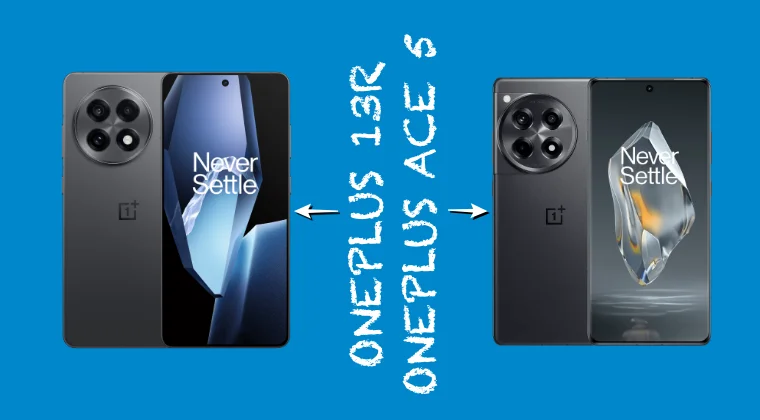
- Download and extract the Android SDK Platform Tools on the PC.
- Boot your device to Fastboot Mode via hardware key combination. On most phones, it is the Power and Volume Down keys.
- Now, download the Fastboot ROM for your device from below: OnePlus 13R: EU v821 | IND v821 | GLO v801 OnePlus Ace 5: ColorOS 821 | ColorOS 801
- Now, extract the ROM and launch the BAT file. The flashing will start.
- It might ask for a format data, reply YES. Once done, reboot to the OS via: fastboot reboot
- How to Flash TWRP Recovery on OnePlus 13R/Ace 3
- Unlock Bootloader and Root OnePlus 13R/Ace 3 via KernelSU
- 5GHz WiFi Missing on OnePlus 13 Converted from COS to OOS [Fix]
- Fix Camera not working on OnePlus Ace 5 converted to 13R

- Alili 5 months ago Reply Can I lock the bootloader after unbricking the device via fastboot?
(Cancel Reply)
Δ
