How to Unbrick Red Magic 8/Pro/Pro+/8S Pro/8S Pro+ via EDL Tool
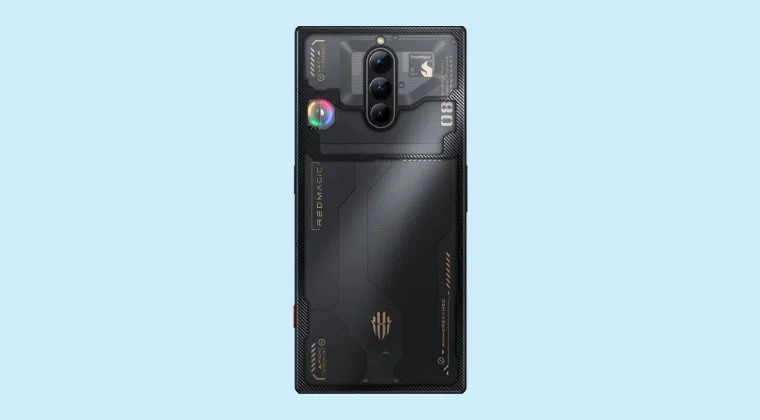
In this guide, we will show you the steps to unbrick your Red Magic 8/Pro/Pro+/8S Pro/8S Pro+ via EDL Tool. When it comes to gaming smartphones, the offering from ZTE Nubia is undoubtedly the best in this domain. If we talk about its eighth iteration, then not only does it beholds a power-packed specs sheet, it is also performing quite decently in the custom development.
However, entering this domain also brings in a few risks with itself, with the likes of a device going into a bricked or bootloop being the most common issues. While both of these issues could still easily be rectified, however, the real challenge is when the device gets hard-bricked.
Fortunately, the Red Magic 8 series comes with an underlying Qualcomm chipset, hence it has the Emergency Download Mode. But this would have been of no use hadn’t we been able to get hold of an unbricked tool for the Red Magic 8/Pro/Pro+/8S Pro/8S Pro+. But now that we have it, let’s put this tool to the test right away. Follow along.
How to Unbrick Red Magic 8/Pro/Pro+/8S Pro/8S Pro+ via EDL Tool
The below process will wipe off all the data from your device, so take a complete device backup beforehand [if that’s possible]. Droidwin and its members wouldn’t be held responsible in case of a thermonuclear war, your alarm doesn’t wake you up, or if anything happens to your device, and data by performing the below steps.
- First off, Disable the Driver Signature Verification on Windows 10/11 .
- Then install the EDL Drivers on your PC: Qualcomm HS-USB QDLoader 9008 Drivers.
- Now, download the unbrick tool for your Red Magic 8 series from below:
- DOWNLOAD LINK [password: d78d]
- Next, download the EDL Firmware for your device from below:
- DOWNLOAD LINK
- Then go to the Unbrick Tool and launch the BAT file.
- Now choose number 6 and go to the folder containing the Firehose file.
- Then boot your device to EDL Mode: vol up + vol down + power button [wait until your phone vibrates once].
- Wait for the flashing to complete. Once done, you’ll get a green text 9008.
- Now press and hold the Volume down + power button and then wipe your data.
- How to Convert Nubia Red Magic 8 Pro from China to Global
- Root Nubia Red Magic 8 Pro via Magisk Patched init_boot
- How to Unlock Bootloader on Nubia Red Magic 8 Pro
- How to Unlock Bootloader and Root ZTE Nubia Z60 Ultra

(Cancel Reply)
Δ
