How to Unlock Bootloader after Flashing OxygenOS on OnePlus 15
Many users prefer to import their OnePlus from China instead of buying it from their own country. The benefit is that you’ll get the device at a much cheaper rate when compared with the global cost. On the flip side, you’ll get the ColorOS, which is a more bloated OS when compared with its counterpart, OxygenOS. Fortunately, you can easily deal with this issue simply by unlocking the bootloader and then flashing the OxygenOS firmware on top of ColorOS.
After this, you may then relock the bootloader to prevent issues like Play Integrity and the inability of banking and payment apps to work [ 14 ways to fix it ]. Well, some traders go a step ahead and will already do all this for you. So you’ll have a OnePlus from China, converted to OxygenOS, and have a locked bootloader. This way you’re getting the best of all the worlds.
Well, for the general users, this holds true, but for the tech enthusiasts, this might end up making matters worse. Why? This is because you cannot unlock the bootloader on a OnePlus device that has been converted to OxygenOS from ColorOS. So what can be done now? Let’s find out.
Also Read: Don’t Buy a Chinese ColorOS Converted to OxygenOS OnePlus 15 Having a Locked Bootloader
How to Unlock Bootloader after Flashing OxygenOS on OnePlus 15
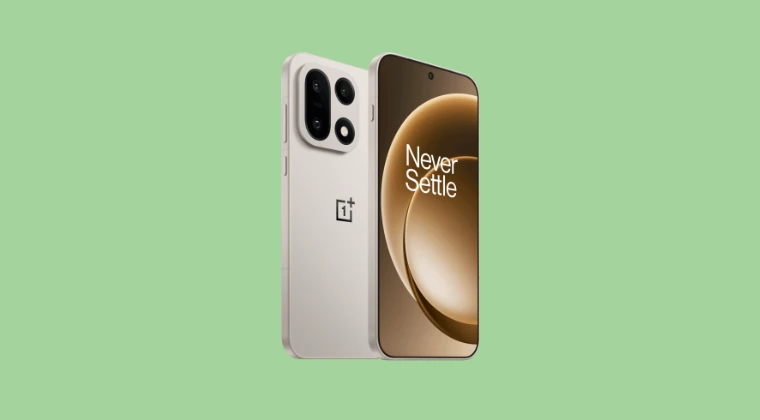
The only way to unlock the bootloader on an OnePlus device that has been converted from ColorOS to OxygenOS is to first flash the ColorOS via the EDL Mode and then use the Deep Test APK to unlock the device. This is because, since the bootloader is locked, you wouldn’t be able to use the Fastboot Mode or the fastboot flashing lock command. Hence, EDL Mode is the only one that would still be accessible even when the device’s bootloader is locked.

So carry out the EDL flashing of the ColorOS, and once you are on that OS, you can unlock the bootloader as you usually do, i.e., via the In-Depth Test APK. As far as EDL flashing is concerned, currently we do have the OPLUS EDL Tool that allows for free EDL flashing, so make full use of it till Oppo ends up patching it :/ On that note, if you want to buy a OnePlus from China that has been converted to OxygenOS, then please buy one whose bootloader is still unlocked.

- How to Unlock Bootloader on OnePlus 15 [In-Depth Test App]
- Flashing Unlock is Not Allowed: How to Fix
- USB File Transfer Greyed Out on OnePlus 15? Try this fix!
- Cannot Boot to Fastboot Mode on OnePlus 15? Here’s Why [Fix]
- Don’t Buy a Chinese ColorOS Converted to OxygenOS OnePlus 15 with Locked Bootloader

(Cancel Reply)
Δ
