How to Unlock Bootloader on Lenovo Legion Y700
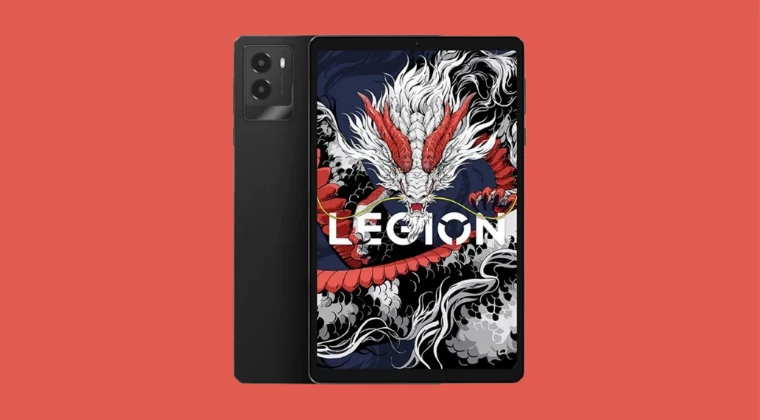
In this guide, we will show you the steps to unlock the bootloader on your Lenovo Legion Y700. The newest addition to the Lenovo Tablet family offers a decent specs sheet with just a few shortcomings [the battery capacity and lack of SD Card support being two of them]. For the tech enthusiasts, though, it seems to have made the matter way more difficult as they are unable to go past the first prerequisite that is required to step into the development community. Yes, we are talking about the bootloader unlock ability.
You cannot simply use the fastboot flashing unlock command to get this job done. You have to find your tablet’s 64-digit serial number [sn], create an sn.img file using it, and then flash it along with the unlock command to carry out this process. While it does sound a little bit daunting at first, but we are going to simplify this process for you all. So without any further ado, let’s get started with the steps to unlock the bootloader on your Lenovo Legion Y700. Follow along.
How to Unlock Bootloader on Lenovo Legion Y700
The below process will wipe off all the data from your device, so take a complete device backup. Droidwin and its members wouldn’t be held responsible in case of a thermonuclear war, your alarm doesn’t wake you up, or if anything happens to your device and data by performing the below steps.
- First off, download and extract Android SDK Platform Tools on your PC.
- Then open Command Prompt inside this folder. All the commands will be executed here only.
- Then, enable USB Debugging and OEM Unlocking on your tablet.
- Connect your tablet to your PC, using the port for File Transfer and not Data Transfer.
- Let’s now find the SN number for your tablet, for which there are two methods. Go through both these methods and try out the one that is in sync with your requirement. Via ADB Mode adb shell getprop ro.boot.bootload_sn This will directly give the 64-digit SN number. Note it down somewhere. In our case, it is: d2a746c23a410256b1f4a94a299880f8f34a8bbc2dbc6d298d4d322e093a997c. Via Fastboot Mode Type in the below command to boot your tablet to Fastboot Mode: adb reboot bootloader Then type in the below command. Note down SN1 and SN2. fastboot getvar all Join both the SN1 and SN2 together so that you get the 64-digit number. It should be the same as what you got earlier via ADB Mode. For example, if SN1= d2a746c23a410256b1f4a94a299880f8 and SN2= f34a8bbc2dbc6d298d4d322e093a997c, then our 64-digit SN number will be d2a746c23a410256b1f4a94a299880f8f34a8bbc2dbc6d298d4d322e093a997c. Note it down somewhere
- Once you have got the SN number, now boot your tablet to Fastboot Mode using the below command: adb reboot bootloader
- We now need to create an SN file using this SN number. For that, you may use any of the four methods given below: Go to this website , type your SN in the bottom right box, and click Generate. It will give you a sn.img file. Go to this website , select ZUX OS, input your 64-digit SN number, and click Generate and Download. Go to the official Lenovo website , type in your SN number, along with your IMEI 1 [see the tablet box] and Email, and click Submit Application. You’ll receive the file shortly in your email. Use this sample SN file , open it via Hex Editor, remove all 5 numbers [64 of them], and replace it with your SN number. Then save the file via Ctrl+S.
- Then transfer the sn.img file to the platform-tools folder.
- Now type in the below command to flash this sn.img file on your Lenovo tablet: fastboot flash unlock sn.img
- Then, unlock the bootloader on your Lenovo Legion Y700 using the below command: fastboot oem unlock
- You’ll get a prompt. Use the Volume keys to select Unlock the Bootloader and press the Power key to confirm.
- Your tablet will undergo a reset and ultimately boot to the OS.
- Flash Stock ROM via Lenovo Rescue and Smart Assistant
- How to Flash Global Firmware on Lenovo Legion Y700
- How to Flash Stock ROM on Lenovo Xiaoxin Pad Pro
- Unlock Bootloader on Lenovo Xiaoxin Pad Pro without Unlock File
- How to Unbrick Lenovo Legion Y70 via QFIL

(Cancel Reply)
Δ
