Hulu Error Code RUNUNK13: How to Fix
In this guide, we will show you a potential workaround that should help you fix the Hulu Error Code RUNUNK13. This subscription streaming service beholds a slew of movies and TV shows from numerous popular third-party service providers apart from some of its own in-house production. Moreover, it is available across all the popular platforms, but PC users are currently having a tough time using it.
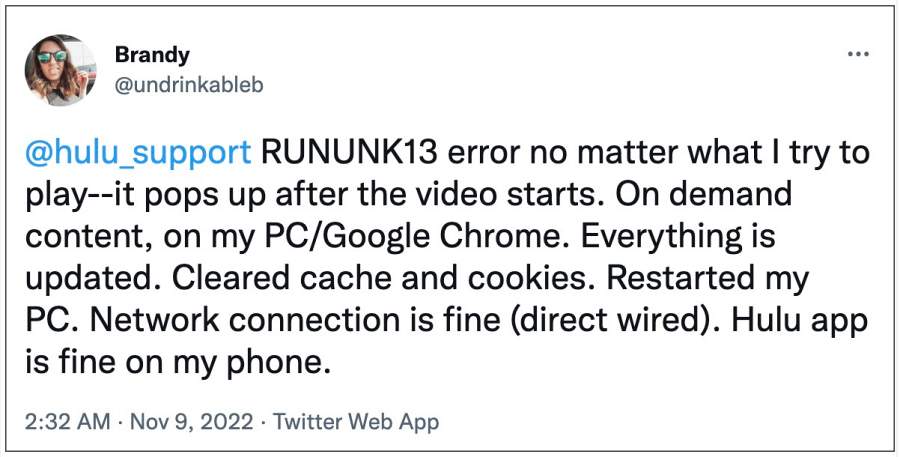
Numerous users have voiced their concern that they are constantly getting bugged with the Hulu Error Code RUNUNK13. It happens randomly in the middle of a show and tends to disrupt the entire viewing experience. if you are also in the same boat, then this guide will make you aware of a nifty workaround that should rectify this issue. So without further ado, let’s check it out.
Fix Hulu Error Code RUNUNK13

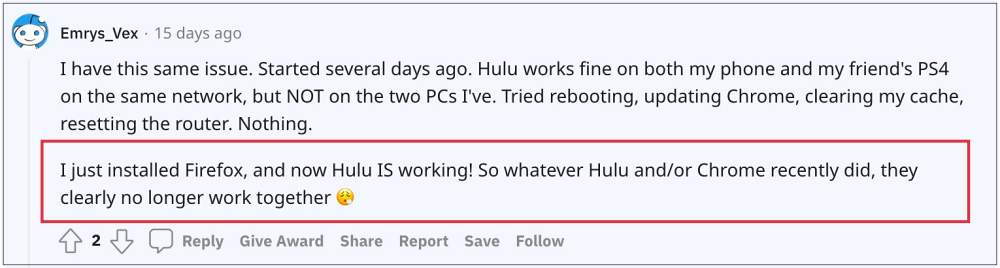
This issue is only bugging Chromium-based browsers like Chrome, Edge, and Opera. Therefore, you should consider temporarily switching over to a non-Chromium browser, such as Firefox [or any other of your choice]. So as of now, this is your best bet to fix the Hulu Error Code RUNUNK13.
As far as the official stance on this matter is concerned, the developers are yet to acknowledge this issue, let alone give out any ETA for the rollout of a fix. As and when any of these two things happen, we will update this guide accordingly.
- Hulu is no longer supported on this device error: What’s next?
- Fix Video DRM issue on Rooted Android [Netflix, Prime, Hulu]
- Hulu App Audio Not Working on iPad: How to Fix
- Fix Hulu Paid Plan- You can rewind and fast forward after the break

(Cancel Reply)
Δ
