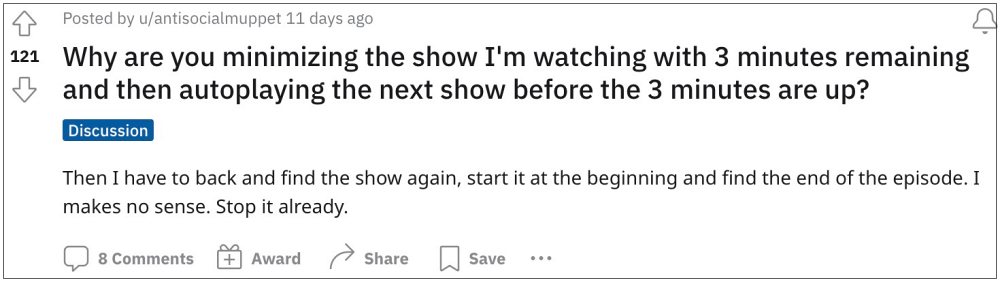
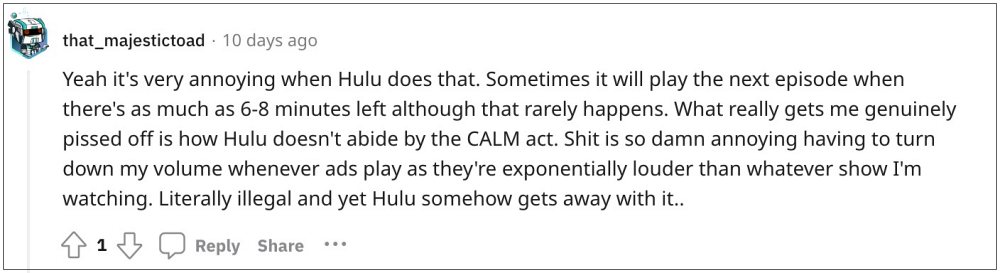
- How to Disable Hulu Up Next/AutoPlay next episode On TVs On Mobile On Website
We have listed the steps to get this job done across TV, mobile app, and website. You may refer to the one which is in sync with your requirement.
On TVs
- Scroll to the left or select Back to open navigation bar.
- Then select Settings and turn off the AutoPlay toggle.
On Mobile
- Tap on the account icon and select Settings.
- Then turn off the toggle next to AutoPlay.
On Website
- During playback, click on the Settings icon.
- Then turn off the toggle next to AutoPlay.
- What is Hulu Dogfood & How to Remove it from my screen
- Netflix/Prime/Hulu Distorted and Pixelated color issue on Xbox [Fix]
- Hulu is no longer supported on this device error: What’s next?
- Hulu App Audio Not Working on iPad: How to Fix

(Cancel Reply)
Δ
- How to Disable Hulu Up Next/AutoPlay next episode On TVs On Mobile On Website
We have listed the steps to get this job done across TV, mobile app, and website. You may refer to the one which is in sync with your requirement.
On TVs
- Scroll to the left or select Back to open navigation bar.
- Then select Settings and turn off the AutoPlay toggle.
On Mobile
- Tap on the account icon and select Settings.
- Then turn off the toggle next to AutoPlay.
On Website
- During playback, click on the Settings icon.
- Then turn off the toggle next to AutoPlay.
- What is Hulu Dogfood & How to Remove it from my screen
- Netflix/Prime/Hulu Distorted and Pixelated color issue on Xbox [Fix]
- Hulu is no longer supported on this device error: What’s next?
- Hulu App Audio Not Working on iPad: How to Fix
(Cancel Reply)
Δ
