Instagram Explore tab showing NSFW/adult content [Fix]
In this guide, we will show you the steps to fix the issue wherein the Explore tab of Instagram is showing NSFW or adult content. This social media platform has come a long way since its inception with the introduction of Reels being a major talking point. While these short video clips are one of the best mediums for content creators to increase their reach, however, many believe that there was no to transform this app into one of the many other TikTok clones.
Irrespective of the fact whether the user like them or not, they have noticed something strange in recent months- the Explore tab of Instagram is filled with NSFW and adult content, with most of them revolving around Reels. The algorithm of Instagram is designed such that it will display the contents with which you interact the most.
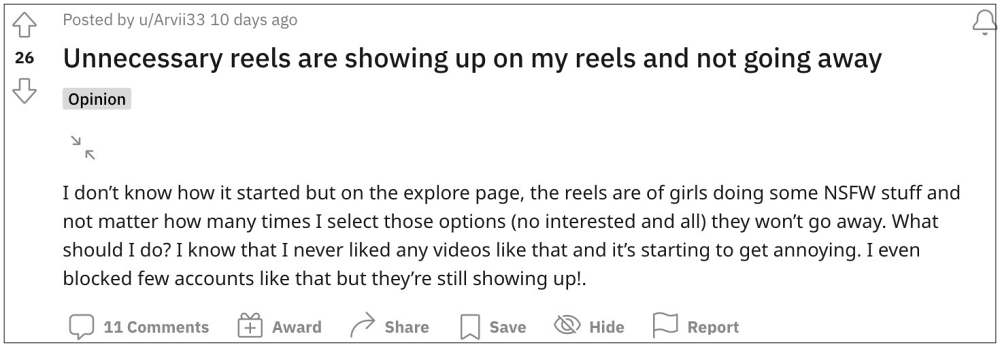
However, users have gone on record saying that they hardly ever interact with these explicit contents, but still their feed is filled with these NSFW clips. if you are also witnessing something similar then this guide will make you aware of a nifty workaround to minimize these contents on your feed to the absolute minimum. So without further ado, let’s get started.
Fix Instagram Explore tab showing NSFW/adult content [Fix]
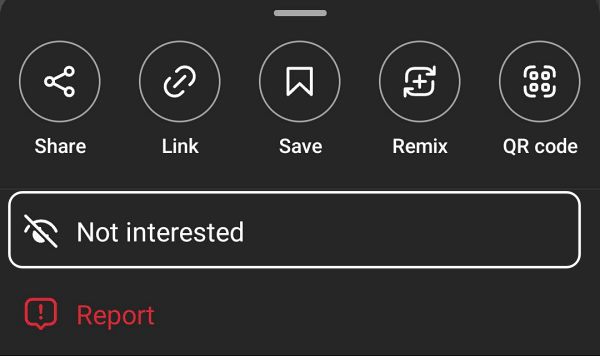
There are two different approaches to deal with this issue. The first one is the obvious route of letting Instagram know that you are not interested in such content. The second but longer route is liking the content that you want to see in your feeds. In this regard, many users have said that they have notified Instagram countless number of times not to show such constants but their algorithm hardly pays any heed to this feedback.
On the other hand, the second approach of liking posts and reels that are in sync with your requirement seems to have done a much better job. For best results, you should put both these tweaks to the test but give more focus to the latter one.

- Instagram Mods will not work with Pixel 7/Pro, atleast for now
- Instagram Stories skipping too fast: How to Fix
- Fix Instagram Ingress timeout, stream ID Error
- Instagram app crash when searching a # Hashtag: How to Fix

(Cancel Reply)
Δ
