Instagram Music Notes not working/missing: How to Fix
In this guide, we will show you the steps to fix the issue of Music Notes not working/missing from Instagram. This social media service from Meta never seems to settle on a particular design element as it keeps on tweaking the UI/UX of its app more than anyone else. Along the same lines, it also keeps on testing and removing new features at its whims and fancies. These random tests get on the nerves of its users and that is completely understandable.
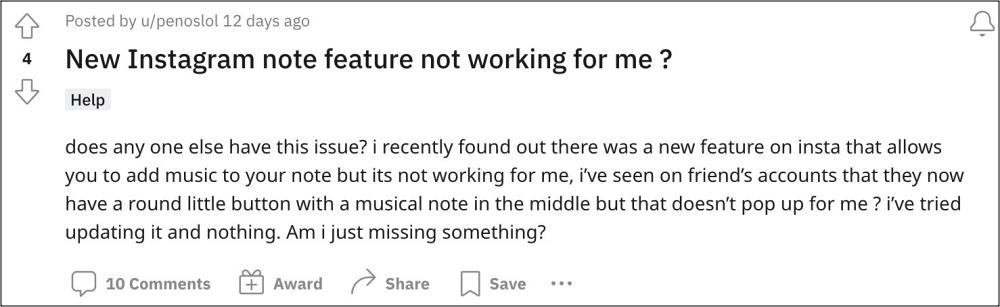
The latest act in this regard that will further cement this statement is the introduction of the ability of songs to your notes whose introduction in itself is quite debatable]. Many users have voiced their concern that the Music Notes on Instagram is either not working or tends to suddenly go missing. If you are also getting bugged by any of these issues, then this guide will help you out. Follow along for the fix.
Fix Instagram Music Notes not working/missing
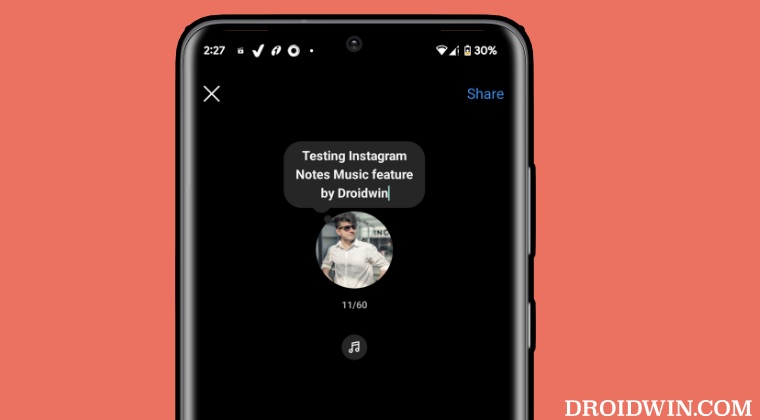
Since this functionality is currently undergoing A/B testing, therefore your best bet is to become an Instagram beta tester and get blessed with this feature within minutes. Here’s how:
- First off, get yourself enrolled as an Instagram Beta Tester from here .
- Then wait for a couple of minutes, go to Play Store, and search Instagram.
- There will be an update for Instagram. Download and install it right away.
- Now launch the app, tap on the messages icon > Your Note, and get grooving!
- Instagram Couldn’t Refresh Feed? Here’s Why and How to Fix
- Instagram crashing on opening DM Chats: How to Fix
- How To Make Instagram Story Icon Size Smaller
- Instagram Share to Facebook not working: How to Fix

(Cancel Reply)
Δ
