Instagram ‘Temporarily deactivate my account’ Missing [Fixed]
In this guide, we will show you the steps to fix the issue of the ‘Temporarily deactivate my account’ option missing from Instagram. If you are looking to take a social media detox, then leaving Instagram should be at the top of the priority queue because truth be told, its Reels is without a shadow of a doubt the major culprit when it comes to killing off our valuable time.
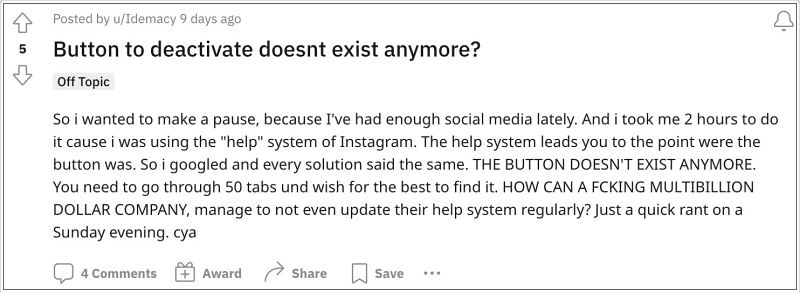
But since your detox will only be temporary, it’s better to deactivate your Instagram account rather than delete it altogether. However, it seems that Meta doesn’t want you to even deactivate your account as it has removed the said option across both the app as well as its website. But we did manage to get hold of a nifty workaround that should help you get this job done. So without further ado, let’s check it out.
Fix Instagram ‘Temporarily deactivate my account’ Missing
- Cannot View Instagram Photos/Videos in Group Chat: How to Fix
- Instagram Save to Collection Missing on Reels: How to Fix
- Reels Thumbnail not appearing in Instagram DM [Fix]
- Instagram Notes Missing: How to Fix

- Ms 2 years ago Reply As of 1/4/2024, the link opens but the button does not work.
(Cancel Reply)
Δ
