intelligentroutingd service battery drain on Mac: How to Fix
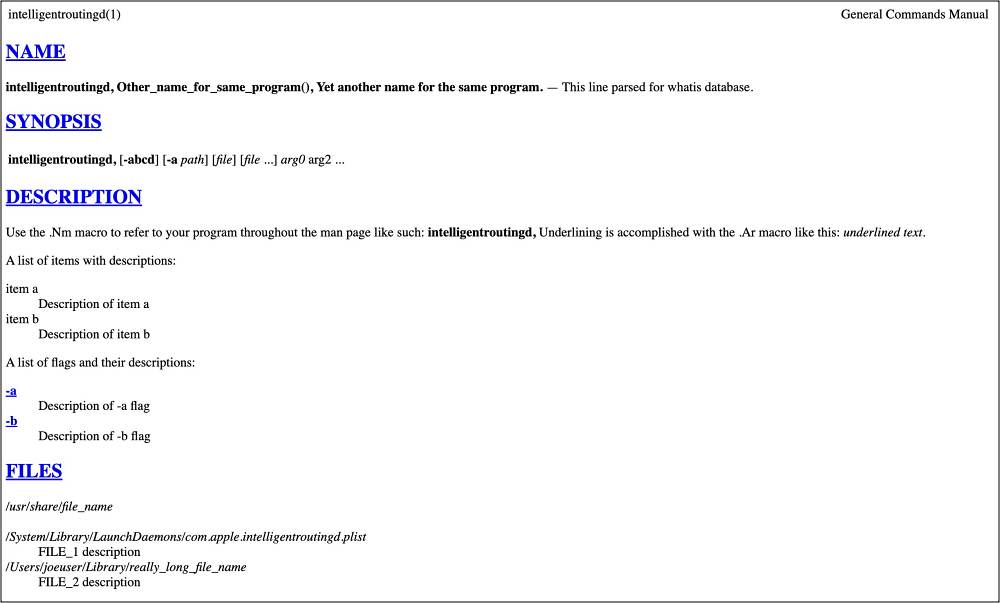
Numerous users recently started witnessing an astronomical amount of system resources hogging by a service known as intelligentroutingd. This intelligentroutingd service also resulted in excessive battery drain on their Mac. However, the weird part is there isn’t much information about this service, with this GitHub page being the only savior. But fortunately, that was enough for us to catch the culprit!
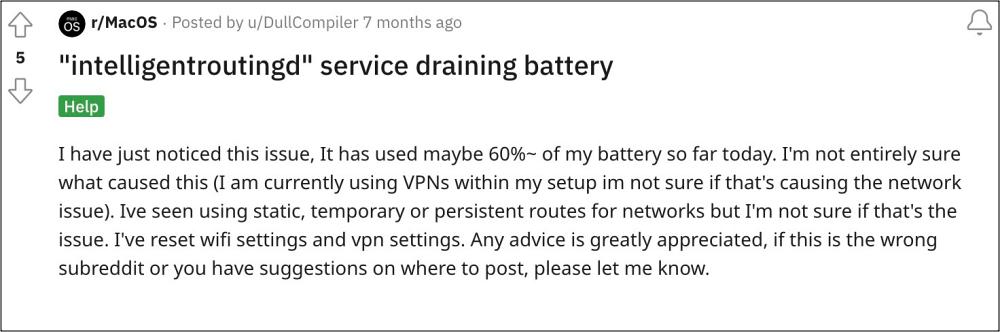
This service is part of the XCode software, which is a developer toolset for creating apps for Mac, iPhone, iPad, Apple Watch, and Apple TV. Moreover, the issue is only present in the beta build of this software, the stable version is free from this bug. So if you are also facing severe battery drain on your Mac due to the intelligentroutingd service, then this guide will make you aware of numerous workarounds to resolve this bug. Follow along.
- Fix intelligentroutingd service battery drain on Mac FIX 1: Stop the process multiple times FIX 2: Unload intelligentroutingd.plist Restore Time Machine Backup Reinstall Xcode Reinstall macOS
Fix intelligentroutingd service battery drain on Mac

It is recommended that you try out each of the below-mentioned workarounds and then see which one spells out success. So with that in mind, let’s get started.
FIX 1: Stop the process multiple times
A bunch of users have said that simply stopping the service once will do no good. You’ll have to repeatedly keep on doing so at least 4-5 and then the service should no longer start.
FIX 2: Unload intelligentroutingd.plist
- First off, run the below command to find the path of intelligentroutingd launchctl dumpstate | grep intelligent
- It should be /System/Library/LaunchAgents/com.apple.intelligentroutingd.plist
- If that’s well and good, then run the below two commands: sudo launchctl unload /System/Library/LaunchAgents/com.apple.intelligentroutingd.plist
Restore Time Machine Backup
You could also consider restoring that time machine backup that you have made before installing the XCode Beta.
Reinstall Xcode
Your next course of action should be to uninstall XCode from your Mac and remove all its associated files as well. Then check if it fixes the intelligentroutingd service battery drain issue on your Mac.
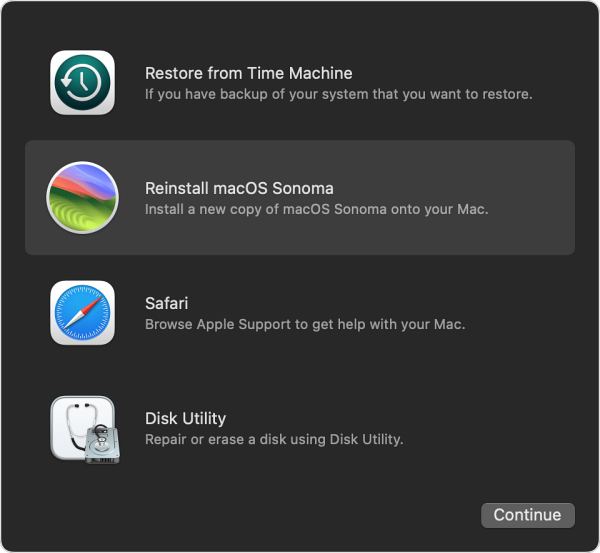
Reinstall macOS
While it might sound like a far-fetched fix, but for some users, this was their only way out that managed to work in their favor. So if none of the aforementioned tweaks spelled out success, then you’ll have no choice but to reinstall the macOS. To do so, you may check out this Apple instructions page.
- Mac Sonoma Not Going to Deep Sleep: How to Fix
- WindowServer quit unexpectedly on Mac: How to Fix
- Location Services not working on macOS [Fix]
- ServiceExtension differs from previously opened versions [Mac Fix]

(Cancel Reply)
Δ
