iPhone Microphone not working on iOS 17: How to Fix
In this guide, we will show you a method to fix the issue of the Microphone not working on your iPhone running the latest iOS 17. While there’s no denying the fact that the seventeenth iteration of the OS has brought in a truckload of goodies and some intriguing features, however, one shouldn’t shy away from the fact that the OS isn’t free from its fair share of issues either.
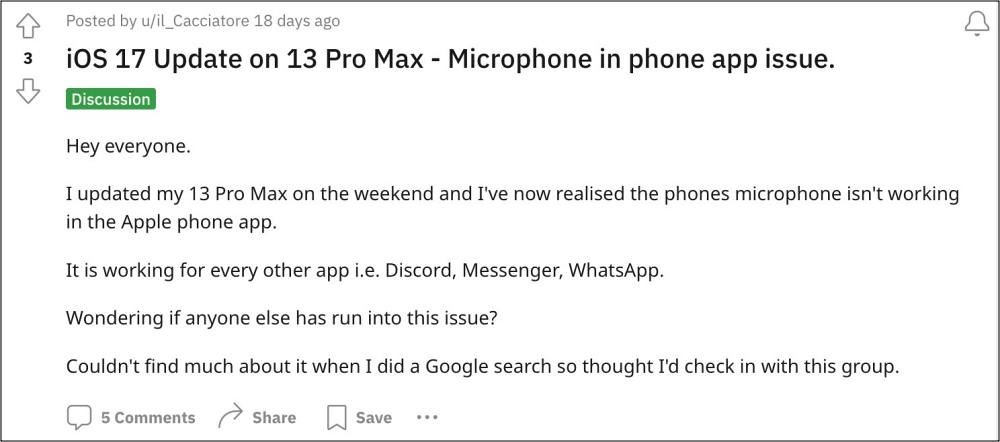
In this regard, the latest one to make its presence felt is the fact that the microphone is not working along the expected lines on various iPhones running the latest iOS 17 build. Whether it’s the front and back camera recording, dictation, speakerphone, or voice memo, the microphone isn’t working with any of these apps.
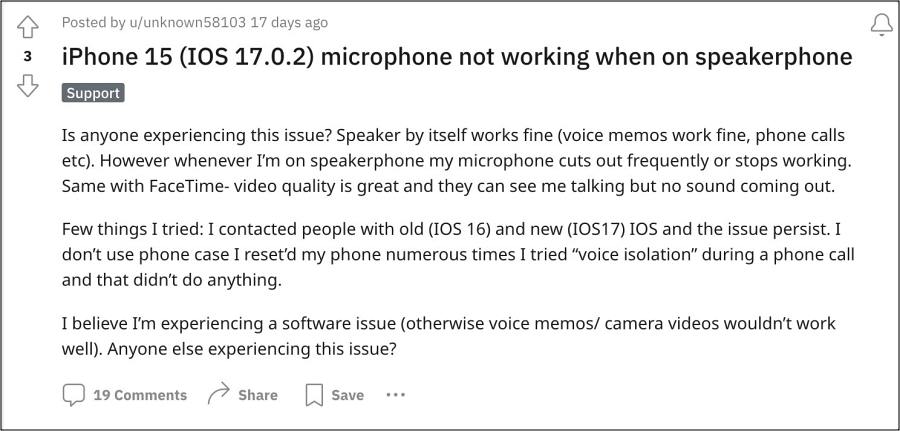
For some, it’s not even working during a call, which could prove to be a great deal of inconvenience. Fortunately, there does exist an official method that should you resolve this bug. So without further ado, let’s check it out.
Fix iPhone Microphone not working on iOS 17
Apple has officially addressed this bug and even released the patch in the iOS 17.1 Beta 3 release. So you could either get yourself enrolled as a beta tester and welcome abode this update onto your device right away or wait till Apple releases this patch alongside the stable build. The choice is all yours!
- Calendar Search not working on iOS 17: How to Fix
- DFU Error 4016 when downgrading iPhone iOS 17: How to Fix
- iPhone iOS 17: Alarm Snooze not working on Standby Mode
- Shortcuts Automation not working on iOS 17: How to Fix

(Cancel Reply)
Δ
