iPhone Sleep Focus does not turn off automatically: How to Fix
In this guide, we will make you aware of a nifty workaround to fix the issue of Sleep Focus not turning off automatically on your iPhone. The Health app on your iPhone beholds a slew of nifty features, including the ability to schedule regular times for going to bed and waking up. And during that time frame, the Sleep Focus will kick in which will reduce distraction and filter out notifications and phone calls. However, as of late, it is giving quite a tough time to many.
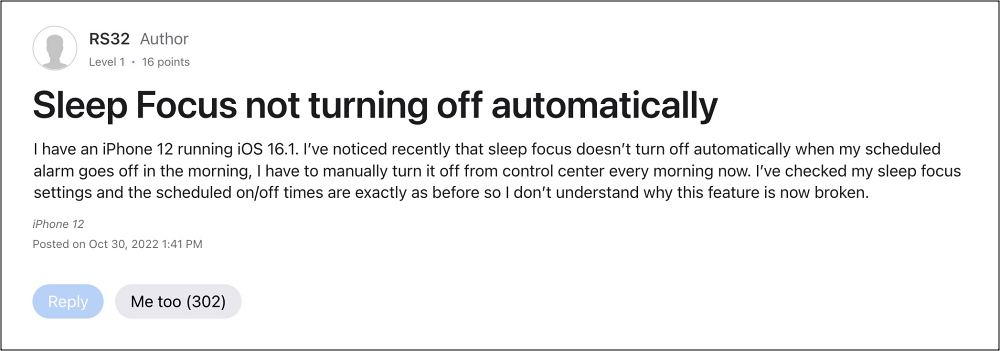
Numerous users have voiced their concern that although the Sleep Focus tends to turn on automatically, it never turns off on its own/when the alarm goes off. As a result of this, users have to manually turn off the sleep focus. This issue has been bugging the users since the initial days of iOS 16 but is yet to be addressed. if you are also currently getting affected by this issue, then this guide will help you out. Follow along for the fix.
Fix iPhone Sleep Focus does not turn off automatically
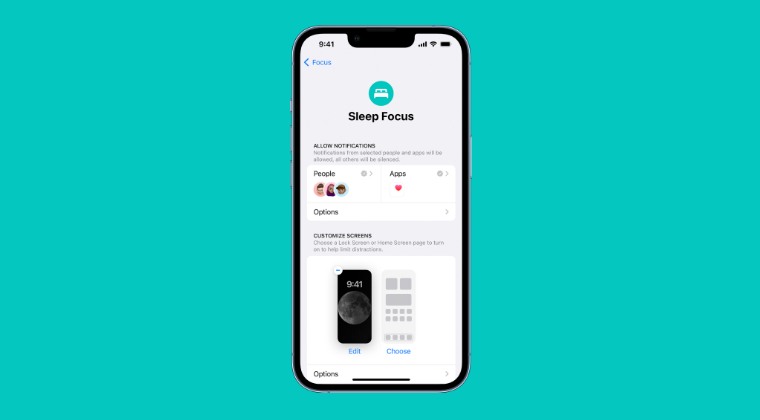
As of now, the best way to mitigate this issue is to create personal automation in the Shortcuts app that will turn off Sleep Focus at a certain time. Here’s how:
- Select New Personal Automation > select Time of Day
- Then set your time and repeat the schedule.
- Now Add Set Focus and update to ‘Turn Sleep Off’
- Finally, disable ‘Ask before running’ and ‘Notify when run’.
- Automatic Fitness Focus not working on iOS 16.2 [Fix]
- Galaxy S23 Ultra Night Mode Focus Blurry: How to Fix
- iPhone Sleep Focus Turning off automatically: How to Fix
- iPhone 14 Pro/Max Auto Focus not working: How to Fix

- Leonardo Green 3 years ago Reply Hi! Please help. My phone shows notification of SIM card is with ,,!”. Every time I need to login to the network. It means My device shows notification where is writed “Network status”. How to fix this issue ? I have Xiaomi Redmi A1 ice.
(Cancel Reply)
Δ
