Journal Schedule not working on iPhone: How to Fix
In this guide, we will show you the steps to fix the issue of Journal Schedule not working on your iPhone. The Cupertino giant has recently rolled out a new incrmental update top its seventeenth iteration of the OS. SOme of the major talking points of the said update includes the Translate option for the Action button, enhancements to the camera, and the introduction of the Journal app, among others.
If we talk about the latter one, then it uses on-device machine learning to create personalized writing suggestions. Likewise, it also has a Reflection section which would suggest you topic to write upon as well las the obvious feature of creating your own notes. While al these are working well and good, users are having trouble in scheduling them.
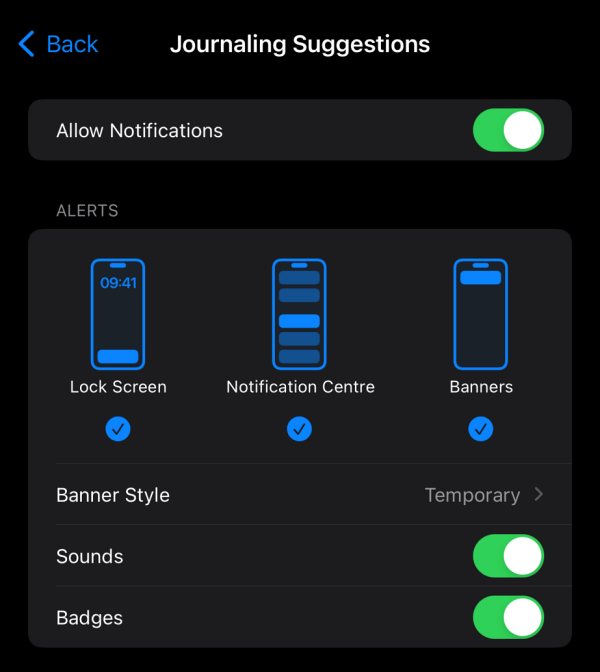
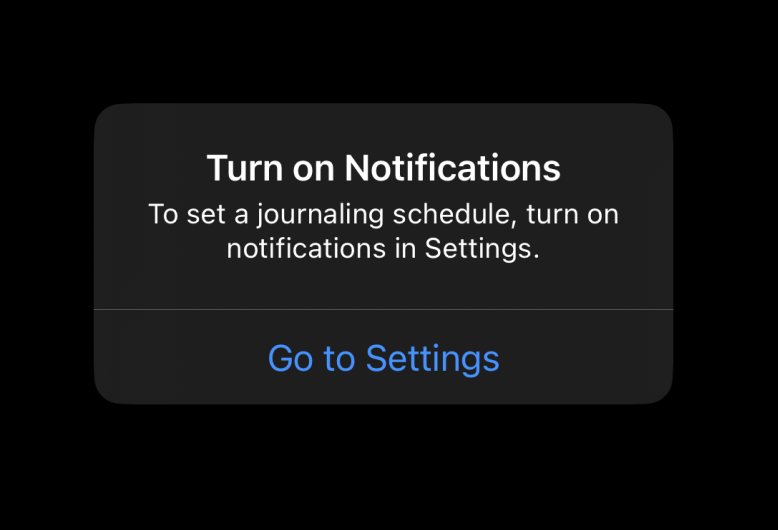
Many have vocied their concern that the Journal Schedule is not working along the execpted lines on their iPhones. While they could set the schedule time, they are unable to set a date and are instead greeted with the Turn on notification prompt, even though they already have it enabled. So if you are also facing this issue, then this guide will make you aware of a nifty workaround that should help you rectify this bug. Follow along.
Fix Journal Schedule not working on iPhone
You’ll be surprised to hear the fix, it couldn’t have been any more simple- all that you need to do is simply close all the apps in the background and then relaunch the Journal app [it’s recommended to wait for a minute or two before launching it]. You’ll now be able to set the schedule without any issues.
- Shared Airtag ‘No Location Found’ Bug on iOS 17.2 [Fixed]
- Belkin Wireless Charger not working on iOS 17.2
- Favorite Playlist missing in iPhone after iOS 17.2 Update [Fixed]
- iPhone Volume Button not working on iOS 17.1: How to Fix

(Cancel Reply)
Δ
