LG C2 sound issues with Freeview HD channels [Fix]
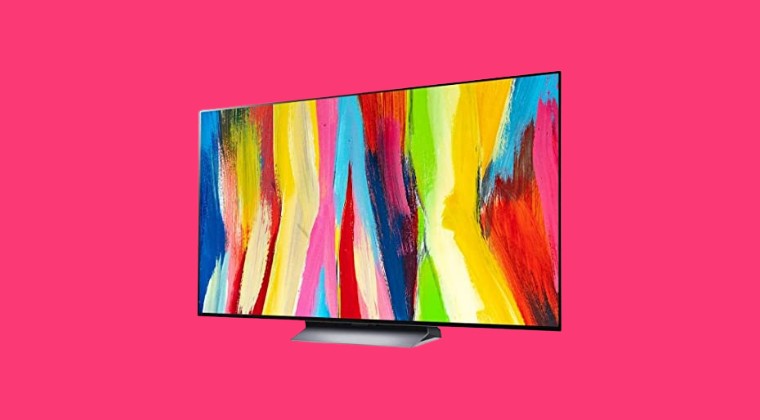
In this guide, we will show you a nifty workaround to fix the LG C2 sound issues in Freeview HD channels. When it comes to OLED TVs, then the offering from LG has maintained quite a stronghold in this domain. In this regard, one of its most popular players is the C2 variant, which is going through a rough patch as of now. Numerous users have voiced their concern that LG C2 has sound issues with Freeview HD channels.
Fix LG C2 sound issues with Freeview HD channels
- To begin with, head over to Sound Settings on your TV.
- Then go to Match Screen and Sound and set it to Bypass.
- This should fix the LG C2 sound issues in Freeview HD channels.
As far as the official stance on this matter is concerned, the developers are yet to acknowledge this issue, let alone give out any ETA for the rollout of a fix. As and when any of these two things happen, we will update this guide accordingly. In the meantime, the aforementioned workarounds are your best bet.
- Apple TV HDR Video Issues: How to Fix
- How to Install Apple Music and Apple TV app on Windows 11
- Scroll not working on YouTube TV Live Guide on Apple TV [Fix]
- Spotify App on Android/Google TV zoomed in: How to Fix

(Cancel Reply)
Δ
