Madden 24 Superstar Mode Missing: How to Fix
In this guide, we will show you a nifty workaround to fix the issue of Superstar Mode missing in Madden 24. This popular American football sports game series from EA has just been blessed with a new iteration and it has already managed to grab the attention of the masses. With tons of intriguing features and gameplay elements, there is a slew of new and noteworthy features to look forward to.
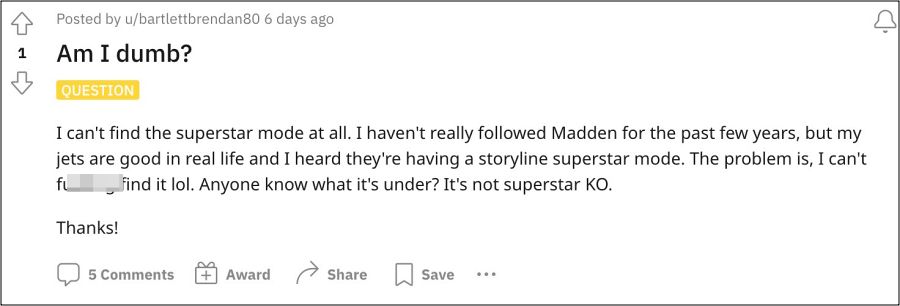
However, no journey is complete without its fair share of roadblocks. And the same is the case with this one as well. While it has only been a couple of days since its release, but we are already witnessing a few issues right from the days of its early access phase. Among them, the most common one was the fact that Superstar Mode was missing in Madden 24.
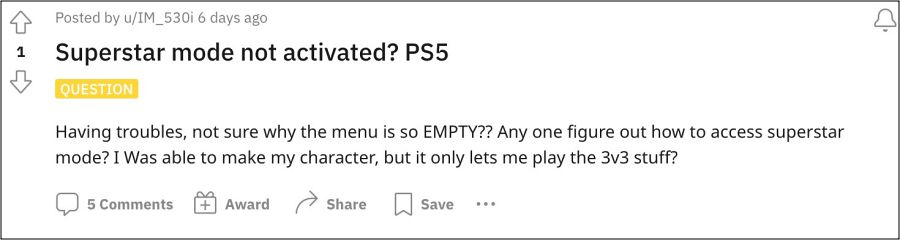
While users could easily get hold of MUT, Training Camp, Franchise, and Quick Play, but there is no traces of the Superstar anywhere in the game. Fortunately, there does exist a nifty workaround using which you could bring back this mode. So without further ado, let’s check it out.
Fix Madden 24 Superstar Mode Missing
As obvious a statement as it may sound, but simply restarting the game and then waiting for around 30 minutes [optional but recommended] might spell out success for you. So do give this tweak a try and check if it rectifies the issue of Superstar Mode missing in Madden 24.

- Madden 23 ‘servers cannot process your request’ error: How to Fix
- Madden 23 High Number of Interceptions: How to Fix
- Madden 22 Community File Download Error: How to Fix
- How to Fix HDR Dark Ice Issue in NHL 22

(Cancel Reply)
Δ
