Magic Keyboard not working on iPadOS 15.1: How to Fix
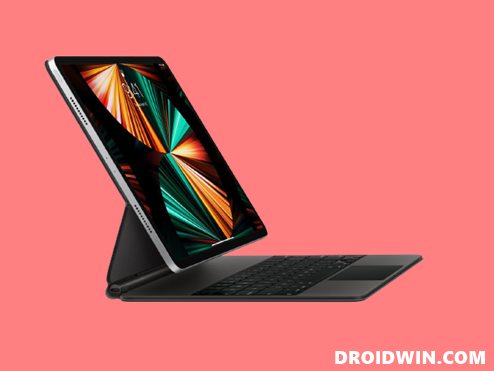
In this guide, we will show you the steps to fix the issue of the Magic Keyboard not working in iPadOS 15.1. The Cupertino giant leaves no stones unturned when it comes to making sure that its userbase is deeply engrossed in its ecosystem. And the Magic keyboard is just one of the many stepping stones in this long journey. This floating cantilever design keyboard comes with a built-in trackpad, a USB‑C port and is powered by the iPad’s magnetic Smart Connector.
However, all these would only sound good on paper if the keyboard is able to perform its basic functionality. But as of now, that doesn’t seem to be the case, Right after the iOS 15 update, a slew of complaints have lined up across the Apple Support Forums where users have voiced their concern that the Magic Keyboard is freezing or not working along the expected lines.
In this regard, there was a slight glimmer of hope that the issue might get rectified with the release of the iPadOS 15.1 updates. Unfortunately, it only made the matter worse as the magnitude of complaints is constantly on the rise ever since that update. If you are also on the same page, then fret not. In this guide, we will show you the steps to fix the issue of the Magic Keyboard not working in iPadOS 15.1. So without any further ado, let’s get started.
How to Fix Magic Keyboard not working on iPadOS 15.1
- To begin with, head over to the Settings menu on your iPad.
- Then go to the Accessibility section.
- After that, head over to the Keyboards section.
- Finally, turn on the Full Keyboard Access.
- Fix Missing Live Text Feature in iOS 15
- Why is FaceTime SharePlay Not Working in iOS 15
- [10 Methods] How to Fix Battery Drain/Improve Battery Performance in iOS 15
- False AirPods left behind notifications in iOS 15? You’re not alone!

(Cancel Reply)
Δ
