Many Nothing Phone 2 are stuck in CrashDump Mode [Fix?]
There was high anticipation surrounding the second iteration of the Nothing Phone thanks to its unique design, revamped Glyph Interface, and intriguing OS skin. However, all that seems to have gone for a toss as many Nothing Phone 2 users have voiced their concern that their device is stuck in CrashDump Mode.
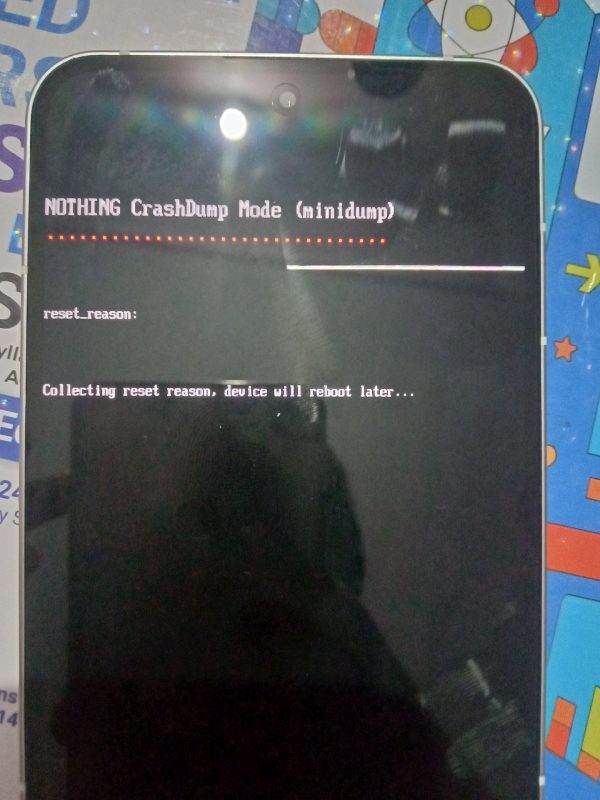
Most Android device that comes with an underlying Qualcomm chipset has an Emergency Download Mode as well as a CrashDump Mode. However, a user is only stuck in either of the two scenarios if they try to step into the custom development- such as while flashing custom ROM, flashing modules, or obtaining administrative access via root. And that is along the expected lines. However, in the case of Nothing, users haven’t carried out any of these stuffs.
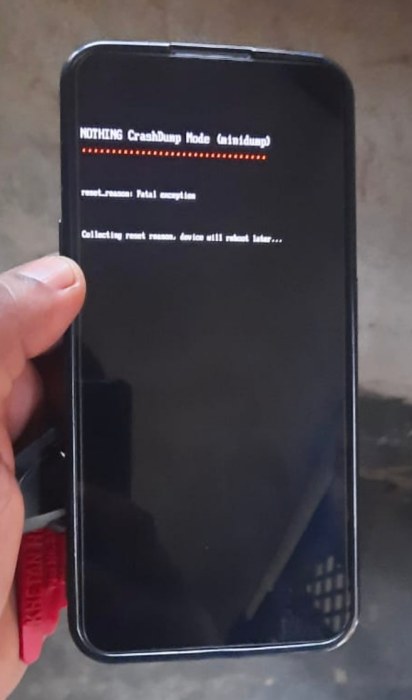
They were simply using their Nothing Phone 2 in a completely stock environment with no system-level modification and all of a sudden their device got stuck in the CrashDump Mode. On their screen, the reset reason is listed as “Collecting reset reason, device will reboot later”. However, this ‘later’ never arrived and users are to this date stuck in this mode. So this begs the all-important question:
How to Exit CrashDump Mode in Nothing Phone 2
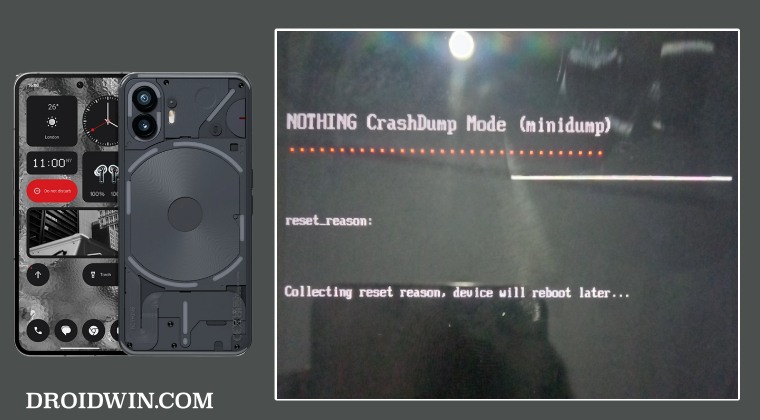
Generally, if you are stuck in CrashDump Mode with no manual intervention from your end, then you just need to press and hold the Power and Volume Up keys for around 8-10 seconds or until you see the boot animation and then you may release the pressed key. So you may give this tweak a try and check if it works out in your favor or not. If it doesn’t then your only course of action is to take the device to the service center and get it repaired.
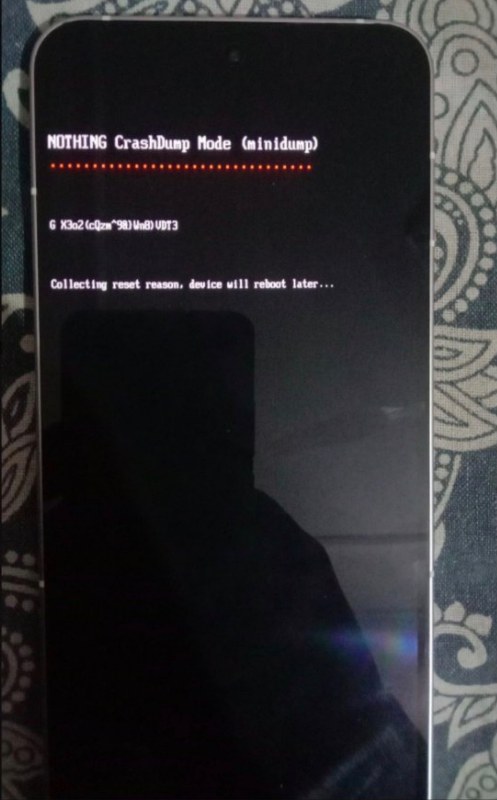
From an ethical point of view, this ‘repair’ should be free of cost, however, we all know how things work nowadays, so we cannot really comment on this matter. Moroever, even if you are a tech enthusiast and know the inside out of flashing firmware in EDL Mode, then also you cannot do much at this point in time.
- Fix Inconsistent High/Low Audio on Nothing Phone 2
- AOD not working on Nothing Phone 2: How to Fix
- Nothing Phone 2 Cannot Enable Glyph & RAW in Camera Expert Mode
- Does Nothing Phone 2 Has HDR Capabilities in Netflix?

(Cancel Reply)
Δ
