Mi Unlock Tool Errors and their Fixes
In this guide, we will make you aware of all the Mi Unlock Tool errors as well as their plausible fixes. When it comes to unlocking the device’s bootloader, then most OEMs simply require you to execute the fastboot flashing unlock command. However, Xiaomi never likes t keep things plain and simple. It has complicated this process up to the maximum possible extent.
From adding the account to your device to OTP verification [ which arrives after ages ] and then the infuriating 168-hour wait time, you will encounter one roadblock after another. Even if you manage these bypass those issues, there will be a plethora of error codes waiting for you. Well, fret not as we have got you covered! In this guide, we will show you the steps to fix all the possible Mi Unlock Tool errors. So without further ado, let’s get started.
- Benefits and Risks of Bootloader Unlock
- How to Fix All Mi Unlock Tool Errors Please rebind and try again error Not connected to the phone The current account is not bound to this device The current account is not bound Couldn’t unlock (After 720/360/168/72 hours of trying to unlock the device) Bootloader Unlock fails with code 10000 Mi Unlock Status Error Code: -1 Error Unlock request rejected with code 20036 Fix Mi Unlock: You are unlocking a special device Cannot Receive OTP/Verification Code from Mi Unlock Tool [Fix] Mi Unlock Tool: This Device has been activated for less than 7 Days
- Conclusion
- UPDATE 1: Unlock Xiaomi Bootloader Without Mi Unlock Tool/PC
- UPDATE 2: Unlocking Xiaomi’s HyperOS Bootloader
Benefits and Risks of Bootloader Unlock
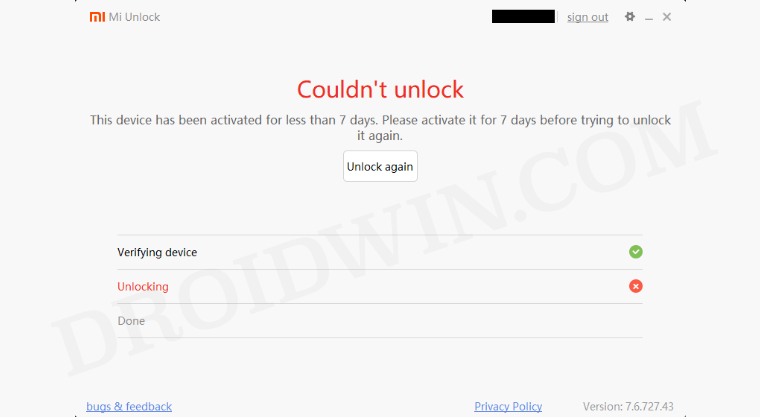
Unlocking the bootloader is the gateway to extract maximum benefits of Android’s open-source ecosystem. For example, you will be able to install a custom ROM or flash a custom recovery like TWRP. Likewise, you will also be able to get access to the system partition as well as administrative privileges by rooting your device via Magisk.
This will then allow you to flash Magisk Modules , Xposed Framework , Substratum Themes , Viper4Android among others. Likewise, you will also be able to flash OxygenOS on top of ColorOS. However, carrying out these tweaks brings in a few uninvited risks as well. To begin with, it will wipe off all the data and could nullify the device’s warranty as well.
Along the same lines, it will degrade the Widevine L1 certification to L3, thereby preventing you from streaming content in HD [ FIXED ]. The SafetyNet will be triggered as well [ FIXED ], thereby preventing you from using banking apps [ FIXED ]. So if that’s well and good then let’s get started with the guide.
How to Fix All Mi Unlock Tool Errors
Here are all the MI Unlock Tool errors and their respective fixes. Follow along. [Don’t forget to check out UPDATE 1 at the end of this guide!].
Please rebind and try again error
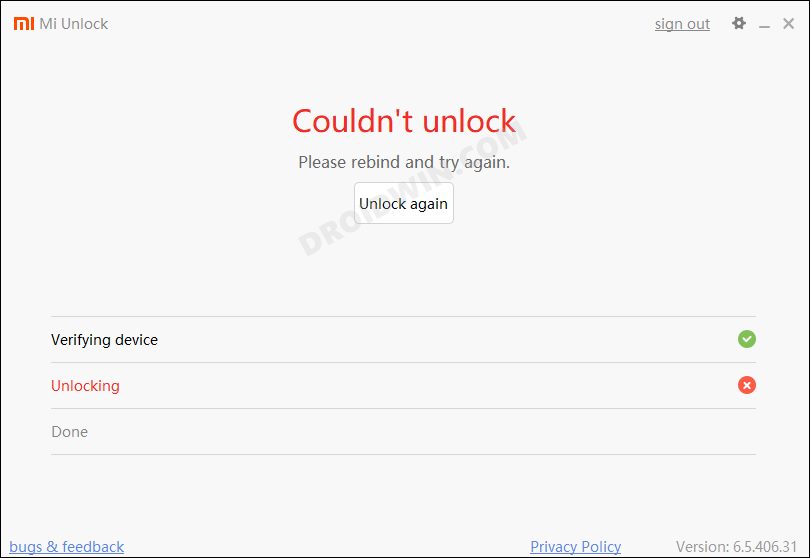
Many users are reportedly getting the Please rebind and try again error while trying to unlock the bootloader of their Xiaomi device using the Mi Flash Tool. Refer to this guide to know the reason for this issue and more importantly how could you fix it- Mi Unlock Tool: Please rebind and try again error [Fixed] .
Not connected to the phone
This message will show up if the Mi Unlock Tool fails to recognize your phone over fastboot mode. This error occurs due to missing drivers. So make sure that you have the latest Xiaomi ADB/Fastboot USB Drivers installed on the PC.
The current account is not bound to this device
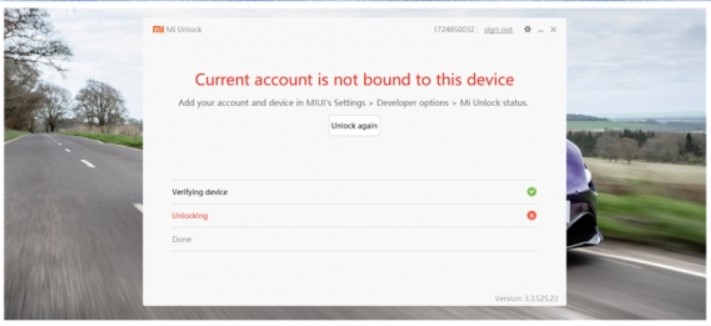
The message will show up if your Mi account is not properly linked with your phone. To fix this, reboot your phone back into the OS and start unlocking from the very first step.
The current account is not bound
Remove this mi account And Add it once more and it will work. Go to Developer option, Mi Unlock status Add account and device. Try to bind your account. From now on, you’ll get Couldn’t unlock try after XX hrs, then you’ve to wait that period. after the XX period try to unlock.
Couldn’t unlock (After 720/360/168/72 hours of trying to unlock the device)
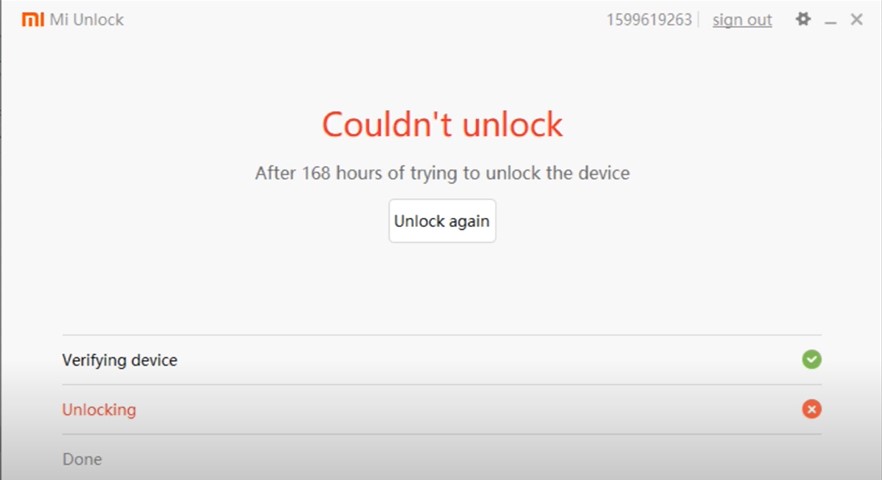
If you do get this message, then make sure to wait for the mentioned period and then try unlocking the bootloader again. Note: Do not log out/remove your Mi account or perform a factory reset on your Poco X2 during this waiting period. Doing so will reset the wait timer and you might have to wait for the unlocking permissions for even longer.
Bootloader Unlock fails with code 10000
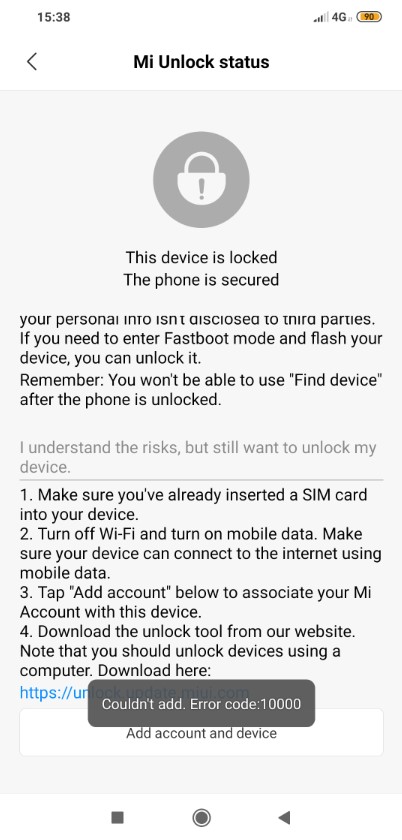
You just need to ensure that with your mi account logged in to your device first you need to check if Find device is on and Make a backup of all things which are listed in mi cloud backup (Most Important) NOTE: for the gallery, you don’t need to take complete backup. Just take partial backup.
Mi Unlock Status Error Code: -1
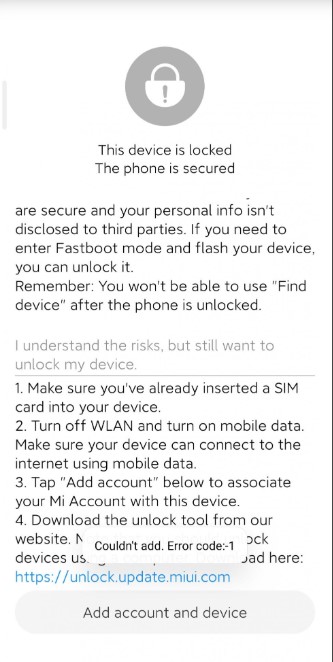
Just Log out and log in to your Mi account and it will be fixed.
Error Unlock request rejected with code 20036
Fix Mi Unlock: You are unlocking a special device
Check out the guide: Fix Mi Unlock- You are unlocking a special device
Cannot Receive OTP/Verification Code from Mi Unlock Tool [Fix]
Check out the guide: Cannot Receive OTP/Verification Code from Mi Unlock Tool [Fix]
Mi Unlock Tool: This Device has been activated for less than 7 Days
Fix Mi Unlock: This device has been activated for less than 7 days
Conclusion
- How to Root Android Devices Without TWRP Recovery
- Everything About Magisk- Manager, Modules and More
- How to Root Android Devices via TWRP Recovery
- How to Watch Netflix in HD on Rooted Devices ( Get Widevine L1 Support )
UPDATE 1: Unlock Xiaomi Bootloader Without Mi Unlock Tool/PC
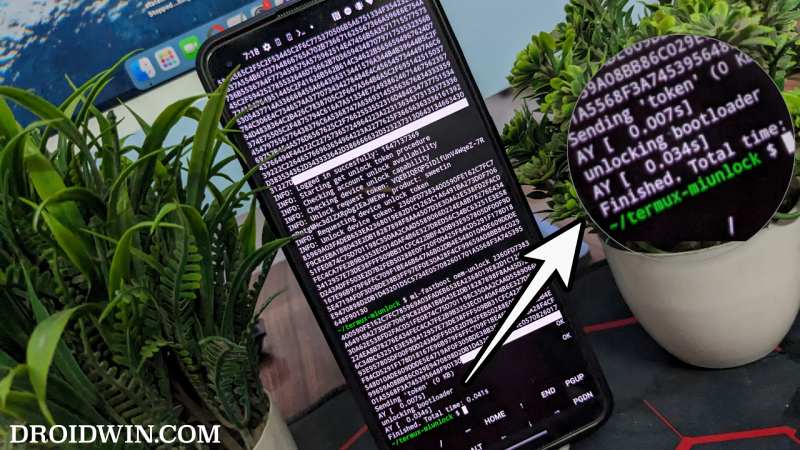
Yes, that is very much a possibility! You could easily unlock your device’s bootloader without using the Mi Unlock Tool or even without a PC. To carry out this tweak, do check out our guide on How to Unlock Xiaomi Bootloader without PC or Mi Unlock Tool! [Video]
UPDATE 2: Unlocking Xiaomi’s HyperOS Bootloader
Ever since Xiaomi ditched MIUI in favor of HypoerOS, the entire bootloader unlocking process has gone for a toss. It has become quite a challenging task with the likes of reaching the Mi Community Level 5 being one of the various [weird] requirements that your account needs to checkmark. Fortunately, there does a few nifty workarounds using which you can bypass these requirements. Just refer to the below guide to know how this could be carried out.
How to Bypass Xiaomi HyperOS Bootloader Unlock Requirement!

- Jatin 3 years ago Reply After clicking to add to device it shows connect to the network and try again 😞 please help 😐
- fady 3 years ago Reply my mi unlock give a different eror thr phone has been locked by the account….
- Manoj 4 years ago Reply I have error code 1008
- saul 4 years ago Reply After Login this app show me my personal xiaomi account information. Dont show me unlock button
- gambacherkalbenstein 4 years ago Reply Thanks so much for this tutorial! But it doesn’t work. I can log in and nothing changes. I can just get to my account details… Cheers!
- Aamir 4 years ago Reply While trying to add account it says couldn’t add device does not exist in our server.. any solution for this??
(Cancel Reply)
Δ
