Microsoft Edge Large Tab Bar Size: How to Make it Smaller
In this guide, we will show you the steps to fix the large tab bar size in Microsoft Edge and make it smaller. When it comes to Chromium-based browsers, then the offering from the Redmond giant is usually at the top of the pecking queue for many users. However, as of late, it is on a feature-releasing spree, some of which hasn’t gone down too well with the majority of its user base.
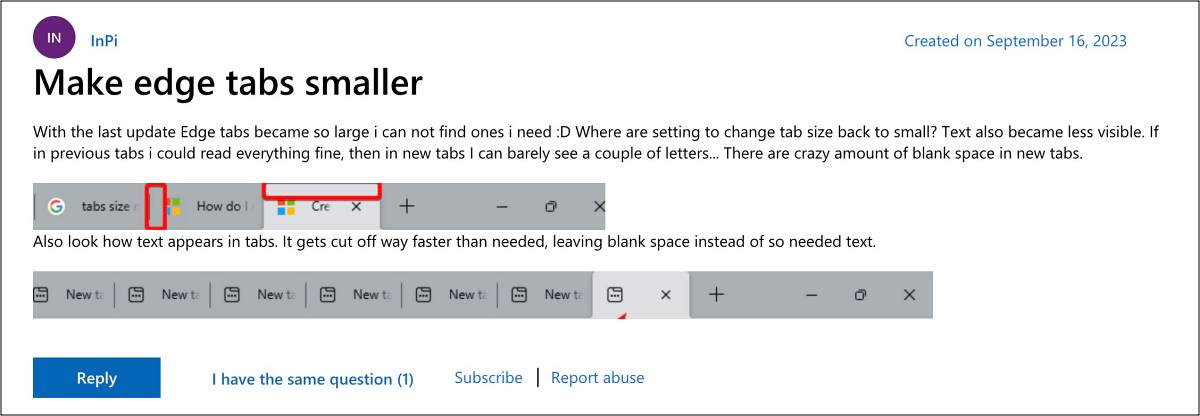
The latest one in this regard is the large tab bar size in the Edge browser which Microsoft introduced in the latest update version 117.0.2045.31. Right after you install this update, the browser will automatically enable the Touch Mode so that the users who are on a touch-based device can easily navigate via these large tab sizes. But what about the majority of the users who don’t even use touchscreen PCs? Well, it seems Microsoft forgot about that segment of the user.
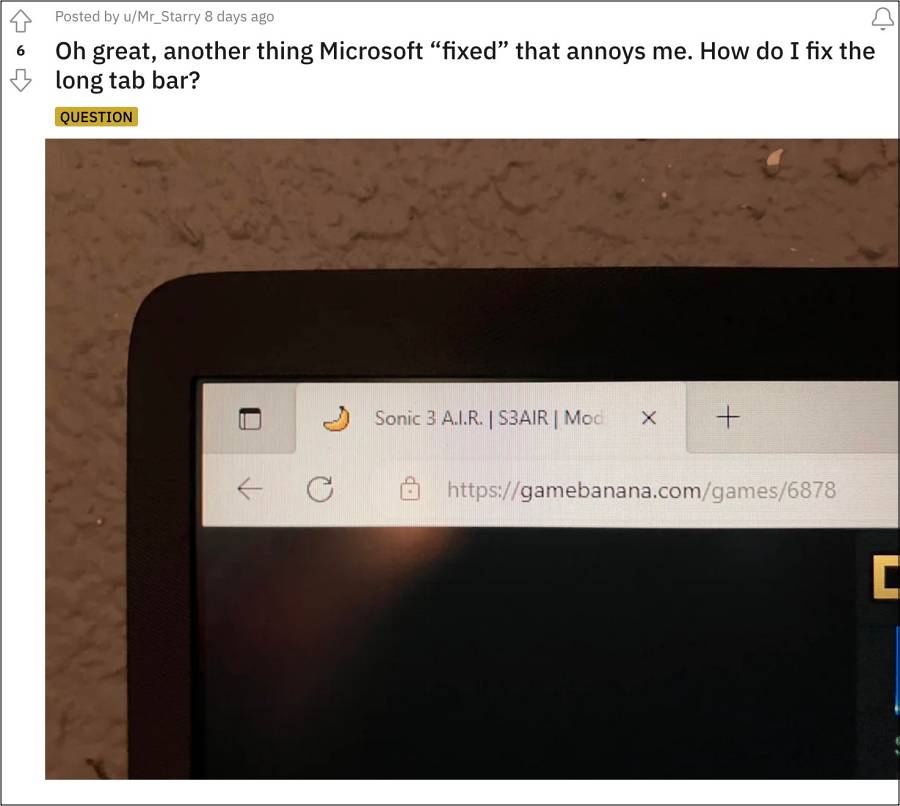
Seriously how could a company roll out such a major feature and straightaway implement it which will only benefit a niche segment of its users? Anyway, keeping that aside, the good news is that you do have granular control over this feature. In other words, you could easily make the tab bar size smaller in Microsoft Edge. And in this guide, we will show you how to do just that. Follow along.
Microsoft Edge Large Tab Bar Size: How to Make it Smaller

- Microsoft Edge Tab Contents Blur: How to Fix
- YouTube Videos not playing in Microsoft Edge: How to Fix
- Why is Google Docs Offline extension automatically installed in Edge
- Remove Briefcase Icon in Microsoft Edge for Business
- Remove rounded borders around webpages in Microsoft Edge

- softedge 2 years ago Reply there is no settings/appearance/touch mode on my installation of microsoft edge. how do i reduce the height of the tabbar and urlbar? softedge 2 years ago Reply i’m running microsoft edge on a windows 11 desktop
(Cancel Reply)
Δ
