Missing Heart Rate Date in iPhone Health App [Fixed]
In this guide, we will show you a couple of handy workarounds to fix the issue of missing heart rate data in the iPhone Health app. When synced with your Apple smartwatch, this app from the Cupertino giant allows you to keep track of numerous health-related data. One among which is related to the heart rate [HR]. For instance, you could get hold of your current HR, its variability, cardio recovery, walking HR average, and cardio fitness, among others.
However, some users have voiced their concern that all these heart rate data are missing from the Health app on their iPhones. They could still view those data on their smartwatch and even on other third-party apps like Strava, however, it’s the default app on the iPhone that is unable to get this job done and tends to simply display the No Data Available message. If you are also facing this issue, then this guide will help rectify it. Follow along for the fixes.
- Fix Missing Heart Rate Date in iPhone Health App FIX 1: Re-Pair your Watch FIX 2: Reinstall Health App
Fix Missing Heart Rate Date in iPhone Health App
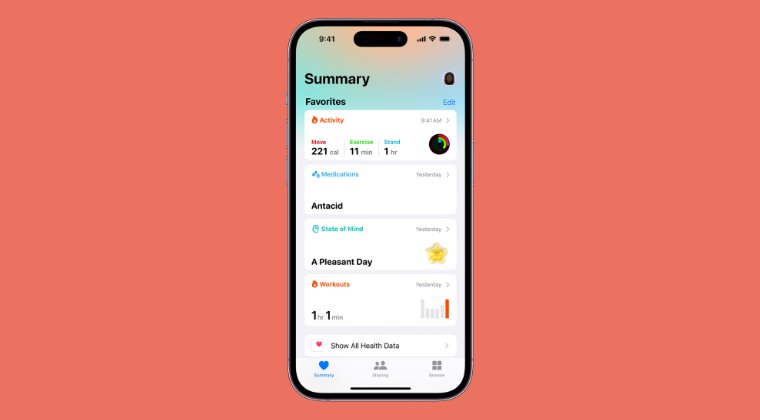
It is recommended that you try out each of the below-mentioned workarounds and then see which one spells out success. So with that in mind, let’s get started.
FIX 1: Re-Pair your Watch
Your first course of action should be to unpair and then re-pair your smartwatch with your iPhone. This will refresh the underlying settings and could well rectify the issue that we are currently dealing with. So let’s give it a try using the below-listed steps and then check out the results.
- Open the Apple Watch app on your iPhone.
- Then tap My Watch, then tap All Watches.
- Now tap on ‘i’ next to your watch, then tap Unpair Apple Watch.
- Let’s now re-pair it. So put your Apple Watch on your wrist.
- To turn on your Apple Watch, press and hold the side button until you see the Apple logo.
- Hold your iPhone near your Apple Watch, wait for the Apple Watch pairing screen to appear on your iPhone, then tap Continue.
- Tap on Set for Myself
- When prompted, position your iPhone so that your Apple Watch appears in the viewfinder in the Apple Watch app.
FIX 2: Reinstall Health App
You might also get bugged by this issue if the app’s data gets corrupted. Therefore, in such cases, your only escape route is to uninstall and then reinstall the app from scratch. Here’s how it could be done:
- Long press on the Health app icon and select Uninstall.
- Then reinstall the app from the App Store . Now launch it.
- Set it up and then check if the issue has been resolved or not.
- Fix iPhone Do Not Disturb not working on iOS 17
- iPhone 15 Pro Max Black Screen Issue: How to Fix
- Fix iPhone Alarm not working or low sound on iOS 17
- Fix iPhone 15 Pro/Max Black Screen While Charging

(Cancel Reply)
Δ
