Navigation Bar Missing in Android Auto: How to Fix
In this guide, we will show you the steps to fix the issue of the navigation bar missing from Android Auto. This app from the Silicon Valley giant has completely streamlined the ability to mirror features of an Android device to your car’s infotainment system/dashboard. However, in spite of all the goodies that it has to offer, it isn’t free from its fair share of issues either.
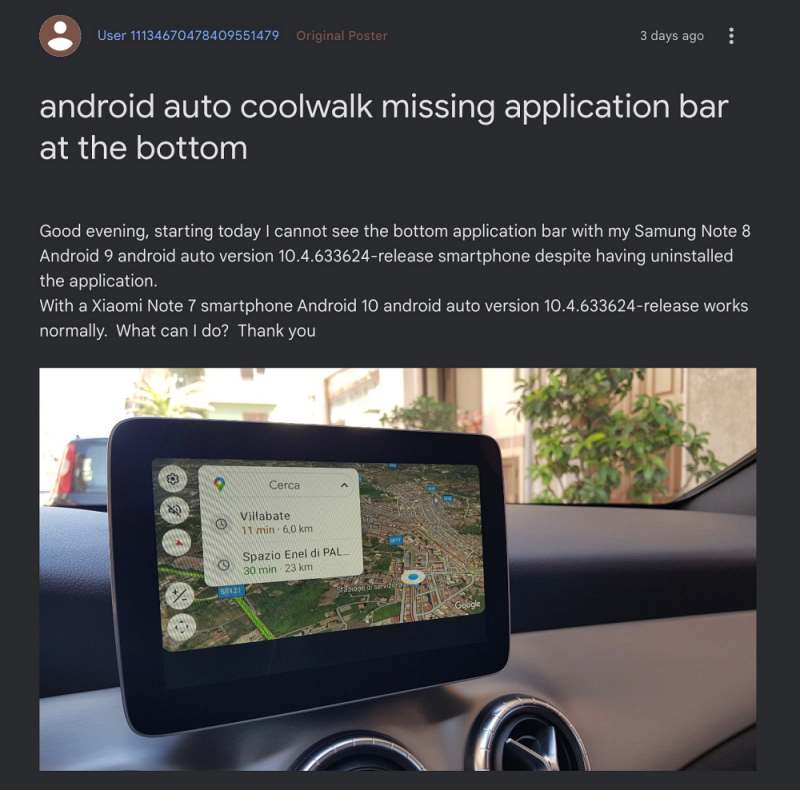
As of now, numerous users have voiced their concern that the navigation bar, which appears at the bottom of the screen, is missing in Android Auto. As a result, users are unable to switch between apps, access Google Assistant, and open the app drawer or dashboard view. Henceforth they are locked into a particular app for the rest of the session.
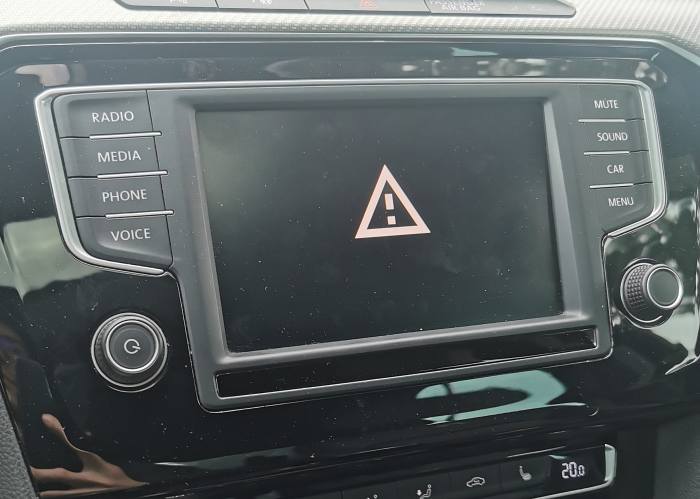
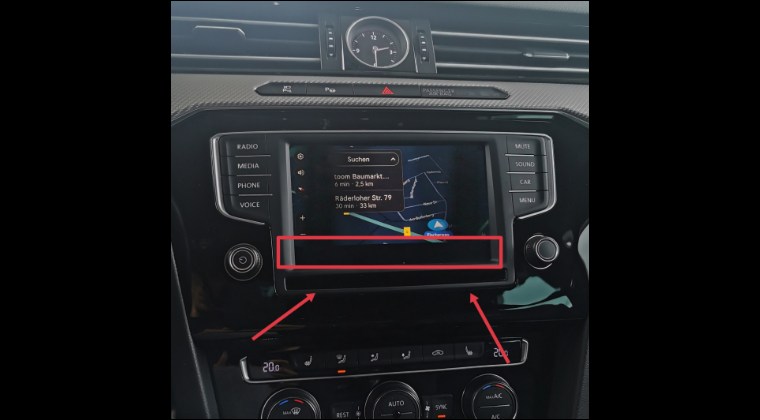
Moreover, it’s not that the app would now go fullscreen, instead, you will get a black bar at the bottom where the navigation bar used to be. SO if you are also facing these issues, then this guide will make you aware of a nifty workaround that should help you rectify this bug. So without further ado, let’s check it out.
Fix Navigation Bar Missing in Android Auto
The culprit behind this issue is the latest update rolled out by Google to Android Auto. So to rectify this issue, you’ll have to downgrade the app to its earlier version. Here’s how it could be done:
- Head over to Settings > Apps > All Apps > Android Auto.
- Then tap on the overflow icon at the top right and select Uninstall Updates > OK.
- Now go to Play Store and search Android Auto.
- Then tap on the overflow icon and uncheck Enable Auto Update.
- Android Auto not working on Android 14: How to Fix
- Android Auto Audio Quality Issue might not be fixed! Here’s why
- Fix Google Maps running in Android Auto even after exiting the car
- Android Auto not working on MIUI 14 Android 13: How to Fix

(Cancel Reply)
Δ
