No Sound in Call in CarPlay or Android Head Unit via T-Link [Fixed]
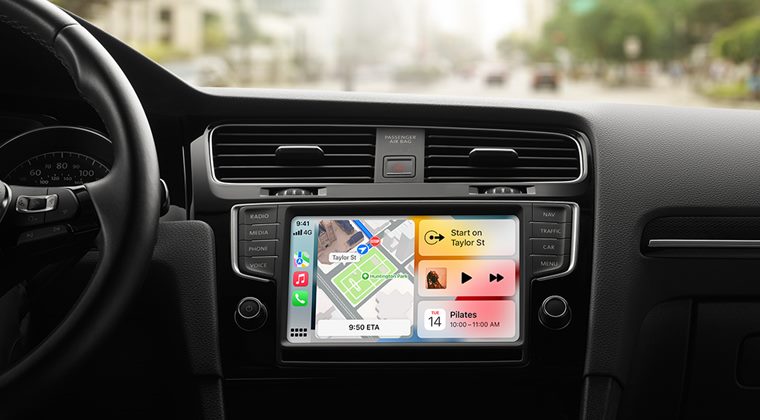
In this guide, we will show you the steps to fix the no sound during a call in CarPlay or Android Head Unit via T-Link. When it comes to enhancing your car’s entertainment system, then there couldn’t be a better alternative than opting for the AHU. They allow you to easily integrate your smartphone, tablet, or other devices into your car’s audio system. If we turn our attention towards Apple’s CarPlay, then it completely streamlines the process of using your iPhone while you are driving.
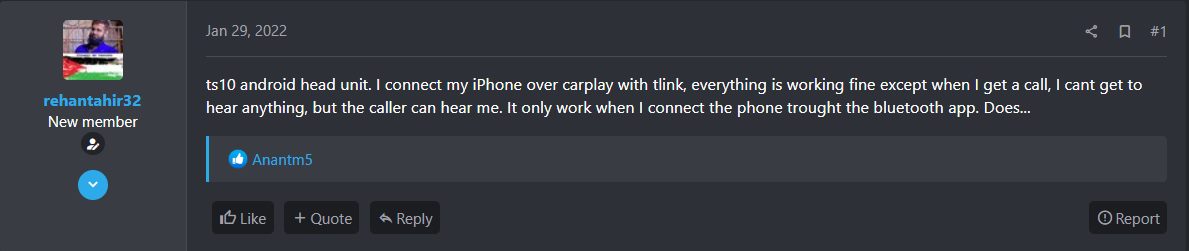
From getting directions to making calls and sending messages, all of this could be carried out right from your car’s built-in display. Along with them, many users also prefer to use the T-Link app that acts as a smartphone screen mirroring application, thereby giving you a two-way touch control capability. However, as of now, it isn’t working along the expected lines. Various users have voiced their concern that there’s no sound during the call whenever they connect their iPhone over CarPlay with Tlink.

The issue is only from their end as the caller could easily hear them. They are only able to make it work when they connect the phone through the Bluetooth app. Along the same lines, some users have also reported that if they connect Bluetooth manually then Apple CarPlay doesn’t play music. So is there a way out to rectify these issues? Well, there does exist a nifty workaround that will help you rectify this bug. Without further ado, let’s check it out.
Fix No Sound in Call in CarPlay or Android Head Unit via T-Link
- How to Fix CarPlay not working with iPhone 13 series on iOS 15
- Make Apple Maps use Speakers instead of Bluetooth in CarPlay iOS 15
- Sonos speakers and subs not working after v14.6 update [Fix]
- Audio from MacBook Speakers is Distorted and Cracked: How to Fix

- alex 2 years ago Reply hello , my problem is that with handsfree bluetooh everthing works fine, with car bt (tlink) car play users can’t here my voice but i hear them perfect! Plus where is the menù to ” remove the T-Link app from the Default App section of Navigation. “????
- Mohammed 3 years ago Reply Thanks
- SY 3 years ago Reply Hi there, this works great, but is there a way to uncheck without checking another app? Cos now if I go to navigation mode, it will go to the other app and not CarPlay 🙁
- David 3 years ago Reply This post just saved my sanity. Huge thank you!
- Seb 3 years ago Reply This post just saved my sanity. Huge thank you!
- Michael 3 years ago Reply Hello, I have the problem with iPhone over CarPlay with Tlink. Only in phone I can’t hear the other part but they can hear me. Saw your recommendation but cannot find the Navigation setting where the Default App section is located. Could you please guide me?
(Cancel Reply)
Δ
