No Sound to OK/Hey Google: How to Fix
In this guide, we will show you a nifty workaround that should help you fix the no sound issue to OK/Hey Google. Google Now? Assistant? Bard? Gemini? As is the case with every other Google product, its virtual assistant [whether AI or not] has also undergone an identity crisis, thereby leaving users in a lurch as to what exactly they should settle for. And the recent mess that Google ended up with only made matters worse.
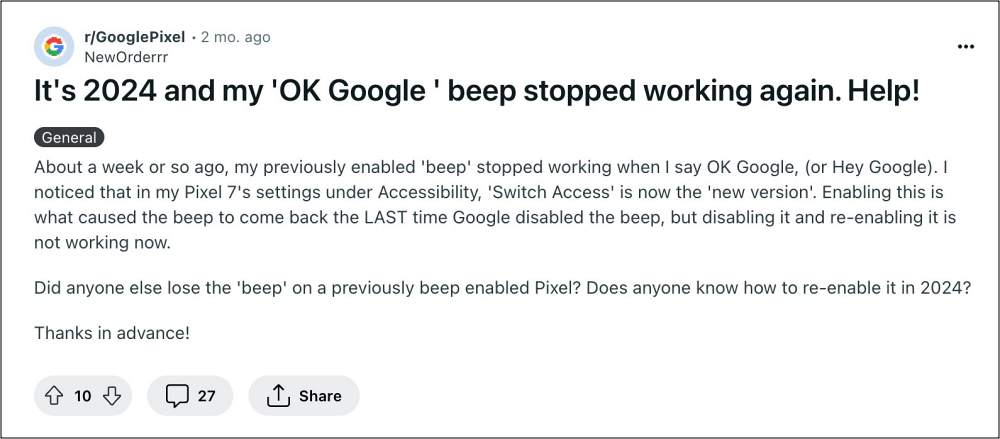
But all this is just the tip of the iceberg. There are a plethora of bugs and issues plaguing this service, one among which is the lack of audio or sound when we invoke the Assistant via the OK/Hey Google command. While this might not look like a major issue on paper, but it is definitely quite a handy cue as it made us aware whether the Assistant had listened to our command or do we need to invoke it once again.
Fix No Sound to OK/Hey Google
However, due to the absence of the sound, you’ll now have to manually have a look at the screen to perform this check, which is resulting in a great deal of inconvenience, especially to those users who use this service hands-free, such as while driving. Fortunately, there does exist a nifty workaround that should help you rectify this bug. So without further ado, let’s check it out.
- First off, head over to Settings > Accessibility > Switch Access.
- If it’s not there on your device, then download it from here .
- Then enable Use Switch Access and tap Allow in the prompt.
- You’ll now get a few prompts, hit the cross at the top right.
- Now launch the Google App, tap on your profile, and select Settings.
- Then select Google Assistant > Accessibility and disable the following: Mic-open Notification and Mic-close notification.
- Wait for a few seconds and then re-enable them. Now restart your device.
- How to Switch from Gemini to Google Assistant
- Hey Google opens Google App instead of Assistant: How to Fix
- How to Turn off Google Assistant but still use Circle To Search
- Assistant Cannot Schedule Actions for Smart Switch [Fixed]

(Cancel Reply)
Δ
